


Last updated: August 25, 2026
TL;DR: Microsoft Power Platform is Microsoft’s suite of five low-code tools, Power Apps, Power Automate, Power BI, Power Pages, and Copilot Studio, all built on a shared data layer called Dataverse. It lets business users and professional developers build apps, automate workflows, turn data into dashboards, launch external-facing websites, and create AI agents, often without writing traditional code.
If you’ve spent any time inside the Microsoft 365 ecosystem lately, you’ve probably heard the term Power Platform attached to a chatbot, an approval workflow, or a dashboard someone in finance built without ever opening a code editor. That’s by design. Microsoft built Power Platform so that business teams could solve their own operational problems instead of sitting in an IT backlog for six months. This guide covers what Power Platform actually includes, what each piece does, what it costs, and where it holds up against other low-code options, and where it doesn’t. If your team is evaluating low-code platforms for an upcoming project, understanding the full platform before committing to one piece of it will save you a rebuild down the line.
What Is Microsoft Power Platform?
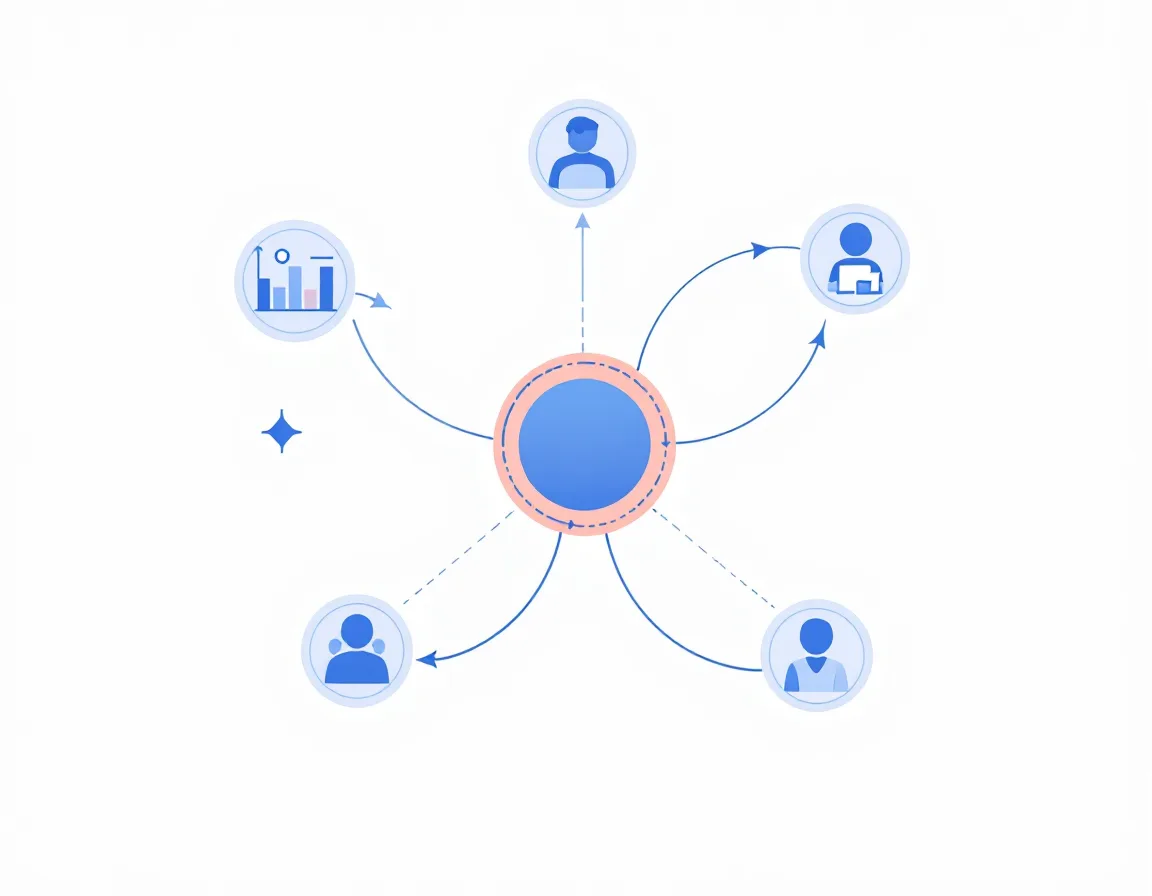
Power Platform is Microsoft’s low-code environment for building business apps, automating workflows, analyzing data, and, more recently, building AI agents, without requiring most users to write traditional software code. It’s made up of five components that can be used on their own or stitched together, and Microsoft’s own developer training describes them as designed to interact with each other so that a single business process can move from data collection to automation to analysis without leaving the platform (Microsoft Learn).
It’s worth knowing that Power Platform isn’t really one product wearing a five-in-one label. Industry analysts have described it more accurately as a marketing umbrella covering a family of services that Microsoft built or acquired separately and then unified under shared branding, shared licensing, and a shared data model (Directions on Microsoft). That history still shows up in how the components are priced and licensed, which we’ll get to below. What matters for a first-time buyer is this: every piece connects to Microsoft 365, Dynamics 365, and Azure, and Microsoft’s 2026 release roadmap is pushing all five deeper into AI-driven, agent-based development rather than treating automation and app-building as separate disciplines (Microsoft Power Platform release plan).
The Five Core Components of Power Platform
Power Apps
Power Apps is the app-building layer. It’s a suite of apps, agents, connectors, and a data platform for creating custom business apps, and Microsoft designed it to be approachable for first-time builders while still scaling to production use. Apps built here can pull from Dataverse or connect to hundreds of outside data sources, including SharePoint, Microsoft 365, Dynamics 365, and SQL Server (Power Apps 2026 release wave overview). In practice, this is what most people picture when they hear “Power Platform”: a form, a mobile-friendly approval screen, or an internal tool that replaced a spreadsheet someone was emailing around.
Power Automate
Power Automate handles workflow automation. It covers low-code cloud flows for connecting apps and services, desktop flows for robotic process automation on legacy systems that don’t have modern APIs, and process mining for spotting where a workflow is actually breaking down. It’s built to serve both professional developers and citizen makers automating their own repetitive tasks (Power Automate 2026 release wave overview). A common starting use case is triggering an approval flow the moment a form is submitted, rather than someone forwarding an email and hoping the right person sees it.
Power BI
Power BI is the analytics piece. It turns raw data into interactive dashboards and reports, connects to a wide range of data sources, and integrates with the rest of the Microsoft stack so a report can sit inside Teams instead of living as a static export (Power BI overview). Because it reads directly from Dataverse, a Power BI report can reflect what’s happening inside a Power Apps or Power Automate solution in close to real time, instead of running on a nightly data dump.
Power Pages
Power Pages is the newest of the five and the one most people haven’t heard of yet. It builds external-facing, low-code business websites, which is a different problem than the other four components solve, since it has to account for visitors who aren’t logged into your tenant. Pricing and access here run on a different axis than the rest of the platform: it distinguishes authenticated users, who log in, from anonymous users, who don’t, and prices each through separate capacity packs (Power Platform licensing FAQ). Most Power Pages sites store their data in Dataverse too, so storage costs start accumulating from the day the site launches, not after it scales.
Copilot Studio
Copilot Studio, formerly Power Virtual Agents, is the platform’s AI agent builder. Its runtime sits on Azure Bot Service and the Bot Framework SDK, and it gives citizen developers a low-code way to design and manage chatbots, or copilots, that can answer questions from customers, employees, or website visitors, and fall back to generative AI when there’s no scripted answer for a given prompt (Power Platform and Copilot Studio architecture overview). It’s also the component Microsoft is investing in most heavily right now: the 2026 release wave leans hard into governance for autonomous agents, including admin controls for agent security, real-time risk assessment, and AI-powered governance agents that monitor tenant activity automatically (Power Platform governance release plan).
Dataverse: The Data Layer That Ties It Together
None of the five components above would be worth much without something underneath holding shared data together, and that’s Dataverse. It’s a cloud-based, table-and-column data platform built on a relational model, so it supports the kind of business rules, relationships, and validation that a flat spreadsheet or a loose collection of SharePoint lists can’t (Understanding Dataverse).
Security in Dataverse is role-based and goes down to the individual column, not just the table, which matters if different departments need to see different slices of the same customer record. It also underpins Dynamics 365, Power Apps canvas apps, and Power Automate approvals, so once data lives in Dataverse, it’s genuinely reusable across the whole platform rather than duplicated into each app that needs it (Microsoft Dataverse guide). This is also the reason migrating away from Power Platform later can get expensive: the more of your business logic you push into Dataverse, the more of it is tied to Microsoft’s data model specifically.
Who Actually Uses Power Platform: Citizen Developers vs. Professional Developers
Power Platform is marketed heavily around the idea of the “citizen developer,” a business user with no formal programming background who builds their own app or automation to solve a problem their department has. That part of the pitch is largely true for a specific category of work: internal forms, simple approval flows, and departmental dashboards are genuinely within reach for someone who has never written a line of code (Introduction to Power Platform for developers).
Where citizen development runs into trouble is anything that needs real security architecture, integration across multiple systems, or business logic complex enough that someone has to maintain it for years. That’s where Power Platform’s “code apps” capability comes in, generally available since February 2026: it lets professional developers write full standalone React and TypeScript web applications with typed access to over 1,500 connectors, while still getting Power Platform’s built-in data integration and governance underneath (Power Apps code apps overview). In other words, the platform isn’t strictly “no-code for beginners” anymore. It’s built to let both groups work in the same environment without either one being boxed in.
What Does Power Platform Actually Cost?

Power Platform’s pricing is where a lot of buyers get surprised, mostly because the entry price and the real production price aren’t the same number, and because the pricing structure itself changes more often than most buyers expect. As of 2026, Power Apps Premium (the plan that used to be called Per User) runs $20 per user per month, or $12 per user per month at 2,000-plus seats, and gives each licensed user unlimited access to build and run apps and Power Pages sites, including premium connectors and Dataverse. Microsoft retired the old $5-per-user Per App plan for most new customers in January 2026, though existing Enterprise Agreement customers can still renew it, and added a pay-as-you-go option at roughly $10 per active user per app per month for teams that only want to pay when someone actually opens the app (Power Apps pricing and licensing guide). Those entry points look low until you add premium connectors, Dataverse storage, and AI Builder credits, all of which are billed separately once you move past basic development.
Copilot Studio is licensed differently again, through capacity packs rather than per-user seats: one capacity pack covers 25,000 Copilot Credits a month for around $200 per tenant, pooled across every agent in the tenant rather than assigned to individual users, with a pay-as-you-go meter available for usage beyond what a pack covers (Copilot Studio capacity pack pricing). Power Pages, as mentioned above, adds yet another axis on top of that: authenticated users are sold in packs of 100 and anonymous users in packs of 500, each with its own price and bundled Dataverse storage, and most organizations already have some Power BI access included in a Microsoft 365 E5 subscription without realizing it (Power Pages pricing guide 2026).
The practical takeaway: budget for premium connectors, Dataverse storage growth, API request limits, and a governance layer from the start. None of those show up on the headline per-user price, and all of them show up on the invoice within the first year.
Security and Governance: DLP, RBAC, and the CoE Model

Handing app-building to hundreds of non-technical employees sounds risky, and it can be, if nobody sets up guardrails first. Microsoft’s answer rests on four pillars: isolated environments that separate development, testing, and production (Power Platform environments overview); data loss prevention (DLP) policies that control which connectors can share data with each other; connector management, which sets approved and blocked lists for outside integrations; and role-based access control for who can build, approve, or access sensitive data.
DLP policies specifically act as the guardrail against a well-meaning employee accidentally routing sensitive data somewhere it shouldn’t go, like a personal Gmail account. They classify every connector as business-data-only, no-business-data-allowed, or blocked outright, and organizations can define which connectors are allowed to be used together within a given environment (Implementing a data policy strategy).
Microsoft’s recommended structure for managing all of this at scale is a Center of Excellence, or CoE: a dedicated team that sets standards, monitors usage, and drives adoption. Microsoft previously shipped this as a free, downloadable CoE Starter Kit; as of 2026 its core capabilities (Inventory, Usage, Monitor, and Actions) have moved directly into the Power Platform admin center, though the Starter Kit itself remains available for existing deployments (Power Platform CoE Starter Kit overview). Skipping this step is the single most common reason Power Platform rollouts turn into ungoverned sprawl within a year or two.
Real-World ROI: What the Data Actually Shows

Microsoft commissioned Forrester Consulting to run a Total Economic Impact study on Power Platform, interviewing representatives from organizations with hands-on experience at scale. The 2024 study found a 224% return on investment, $82 million in net present value, and a payback period under six months for the composite organization modeled (Forrester Total Economic Impact study coverage).
A separate, earlier Forrester study focused specifically on Power Apps found that an organization starting with just 22% of its licensed employees actively building could see a 206% ROI within three years, with a composite organization realizing $46.1 million in benefits against $15.1 million in costs (Forrester study on Power Apps ROI).
Both studies were commissioned by Microsoft, which is worth keeping in mind when you weigh the numbers. That doesn’t make the underlying methodology wrong, but it does mean the ROI figures are a starting point for your own business case, not a guarantee that applies to every organization or every use case.
Power Platform vs. OutSystems, Mendix, and Other Low-Code Platforms
Power Platform isn’t the only enterprise low-code option, and it isn’t the right fit for every scenario. Gartner’s Magic Quadrant for enterprise low-code application platforms has named Microsoft a Leader for seven consecutive years running, largely on the strength of Power Apps’ integration with Microsoft 365, Azure, Teams, and Dynamics (Gartner Magic Quadrant for enterprise low-code platforms).
Where Power Platform tends to win is speed, accessibility, and cost, especially for organizations that already have Microsoft 365 licensing and want to build fast without a specialized dev team. Where OutSystems and Mendix tend to win is large-scale, transactional, full-stack applications with strict performance requirements, where their deeper DevOps tooling and vendor-neutral architecture matter more than tight Microsoft integration (OutSystems vs. Power Apps vs. Mendix comparison). If your organization is already deep in the Microsoft ecosystem, Power Platform is usually the pragmatic default. If you’re multi-cloud by design or building complex transactional systems at real scale, it’s worth evaluating the alternatives before you standardize.
How to Get Started with Power Platform
The single biggest mistake organizations make with Power Platform is letting adoption happen informally, department by department, with no shared standards. Microsoft’s own guidance is to stand up a Center of Excellence early, even a small one, with clearly defined roles: an admin team handling environment strategy and user management, a low-code strategy team making platform decisions that align with business goals, and a nurture team responsible for training and internal knowledge-sharing through activities like app-in-a-day events (How to get started with a Power Platform CoE).
From a purely technical standpoint, the first real steps are usually: set up separate sandbox and production environments so experimentation never touches live data; apply a baseline DLP policy that blocks high-risk connectors like personal cloud storage and social media before opening the platform up broadly; and export a full inventory of what already exists in your tenant, since most organizations that skip this step discover they already have hundreds of unmanaged flows and apps running in personal environments. Only after those three things are in place does it make sense to start pointing citizen developers at real business problems.
Frequently Asked Questions
Is Microsoft Power Platform free?
Parts of it are usable for free or at very low cost if you already have a Microsoft 365 subscription, since some Power Automate and Power Apps features are bundled in. But production use, including Dataverse storage, premium connectors, and Copilot Studio’s AI capabilities, is licensed separately, so “free” only applies to basic development and testing, not to running real business apps at scale.
What’s the difference between Power Platform and Power Apps?
Power Apps is one of five components inside Power Platform, specifically the one for building custom apps. Power Platform is the umbrella term for all five: Power Apps, Power Automate, Power BI, Power Pages, and Copilot Studio, plus the shared Dataverse data layer underneath them.
Do I need to know how to code to use Power Platform?
Not for the basics. Internal forms, simple approval workflows, and departmental dashboards are genuinely buildable without coding experience. Complex integrations, custom security architecture, or applications that need long-term maintenance usually still benefit from a professional developer, which is exactly what Power Platform’s code apps capability is designed to support.
Is Power Platform secure enough for regulated industries like healthcare or finance?
It has the building blocks: role-based access control down to the field level, data loss prevention policies, audit logging, and compliance alignment with frameworks like GDPR and HIPAA. Whether it’s secure enough in practice depends entirely on whether your organization actually configures those governance tools, rather than leaving default settings in place.
How does Power Platform compare to building custom software from scratch?
For internal tools and departmental automation, Power Platform is almost always faster and cheaper to get running. For a customer-facing product that needs to scale to millions of users, or that needs full control over the technology stack, custom development or a platform like OutSystems or Mendix is usually the better long-term fit.
Do I need Dataverse to use Power Platform?
Not for every use case; some simple apps and flows can run on connectors to SharePoint, Excel, or SQL directly. But Dataverse is what lets components share data and business logic across the platform, so most solutions that grow past a single department end up moving to it eventually.
Getting the Most Out of Power Platform
Power Platform’s real value shows up when the five components stop being separate tools and start working as one system: an app that feeds a flow, a flow that writes to Dataverse, and a report that reads from the same table in near real time. Getting there takes more than turning the licenses on. It takes governance set up before adoption spreads, a realistic budget that accounts for the costs that don’t show up on the pricing page, and a clear sense of which problems belong on a low-code platform and which ones don’t.
If you’re weighing whether Power Platform is the right fit for your organization, or you’ve already started building and need to bring governance under control before it sprawls further, get in touch with zapai’s team.