

Last updated: August 24, 2026
If you’ve been researching CRM software and keep running into three different names for what seems like the same Microsoft product, you’re not imagining things. Dynamics 365 CRM has been renamed more than once, and most beginner guides skip over why that matters. This one won’t.
Microsoft Dynamics 365 CRM is a cloud-based suite of business applications, including Sales, Customer Service, and Customer Insights, that helps organizations manage the entire customer relationship in one connected system. It runs on a shared data model called Dataverse, integrates natively with Microsoft 365 and Teams, and now includes Copilot AI agents across most of its core apps. Pricing starts around $65 per user per month for the entry-level Sales tier.
That’s the short version. Below, we’ll walk through what the platform actually does, what it costs in 2026, how it stacks up against Salesforce, and what a real implementation looks like.
What Is Microsoft Dynamics 365 CRM?
Dynamics 365 CRM refers to the customer-facing side of Microsoft’s Dynamics 365 platform, the group of applications built to manage sales pipelines, customer support cases, and marketing campaigns. It’s cloud-based, sold on a per-user subscription, and designed to plug directly into the Microsoft tools most businesses already use daily, like Outlook, Excel, and Teams.
Here’s where the naming gets messy, and where most of the beginner confusion actually starts. Microsoft’s CRM product has gone through several rebrands since it launched as Microsoft CRM 1.0 in 2003. It later became Dynamics CRM, then Dynamics 365 Customer Engagement, a name that grouped the individual apps under one umbrella term. Most people, including Microsoft’s own sales materials in casual use, still call the whole group “Dynamics 365 CRM,” even though the official product names are now split into Sales, Customer Service, Customer Insights, and a few others. Same family, different label. If you see “Dynamics 365 Customer Engagement” on an older proposal or blog post, that’s the same set of products this guide is describing. (Source: Infinity Group)
For organizations evaluating this platform for the first time, ZapAI’s Dynamics 365 services team works with exactly this kind of naming confusion daily, since it directly affects licensing and scoping decisions before a project even starts.
What Does Dynamics 365 CRM Actually Do?
Dynamics 365 CRM isn’t one single app. It’s a set of modular applications that share the same underlying customer data, so a sales rep, a support agent, and a marketer can all be looking at the same customer record without switching systems.
Dynamics 365 Sales
This is the core sales force automation tool: lead and opportunity tracking, pipeline management, quotes and orders, and forecasting. It’s the module most people mean when they say “Dynamics CRM.”
Dynamics 365 Customer Service
Handles support case management, knowledge bases, and multi-channel service, so agents can resolve tickets faster with full visibility into a customer’s sales and service history.
Dynamics 365 Customer Insights
Formerly called Dynamics 365 Marketing, this module manages customer journeys, segmentation, and campaign automation. Renamed as Microsoft folded more data-driven personalization into it.
Field Service and Project Operations
Less relevant for a pure CRM use case. Worth knowing about if your business also manages on-site technicians or project-based billing, since these modules share the same customer data underneath.
Key Features Beginners Should Know in 2026
A few features come up in almost every Dynamics 365 CRM conversation right now.
Start with Dataverse. Every app in the suite draws from the same underlying data model, so customer information doesn’t get duplicated or siloed between sales, service, and marketing.
Then there’s the Microsoft integration, which is arguably the bigger selling point day to day. Sales reps view and update CRM records directly from Outlook, export data to Excel for analysis, and pull dashboards into Power BI without custom connectors.
- Copilot and AI agents are the fastest-moving part of the platform right now. Microsoft’s 2026 release wave 1 adds AI-driven capabilities across Sales, Customer Service, and Customer Insights that help sellers build pipeline, enrich opportunities, and accelerate deal closure. In practice, that includes autonomous agents that extract data from documents like business cards or PDFs and automatically populate sales fields, plus AI-generated deal summaries and meeting recaps pulled from Teams calls. (Source: Rand Group, Mercurius IT)
- Mobile access matters more than it sounds like. Field and remote teams can update records and pull customer history from a phone or tablet, and for any team that isn’t desk-bound, that’s not a nice-to-have.
How Much Does Dynamics 365 CRM Cost?
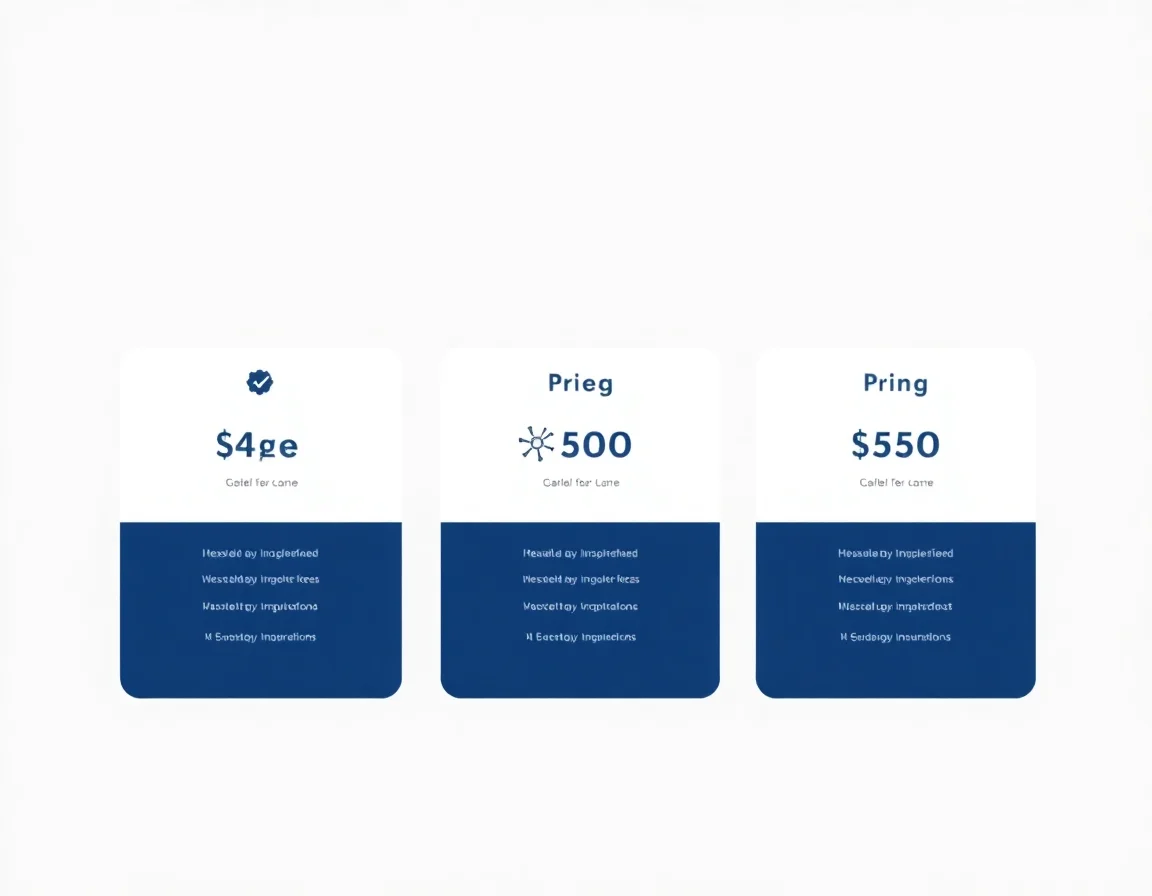
Pricing is per user, per month, and varies by which app and tier you choose. As of 2026, Microsoft’s official pricing lists Dynamics 365 Sales at three tiers: Sales Professional at $65 per user per month for core sales force automation, Sales Enterprise at $105 for more advanced customization, and Sales Premium at $150, which includes the full Copilot AI layer. (Source: Sybill)
A few things worth knowing before you budget:
- The Professional tier is more limited than it looks. It caps out at a small number of custom tables, business process flows, and dashboards, so growing teams often outgrow it within a year or two.
- Adding a second Dynamics 365 app for the same user, say Customer Service alongside Sales, typically costs less than buying two full licenses. That’s Microsoft’s attach pricing model at work.
- The subscription fee is only part of the real cost. Implementation, data migration, customization, and training are separate line items, and in year one they usually cost more than the software itself.
Dynamics 365 CRM vs. Salesforce: A Quick Comparison
Salesforce and Dynamics 365 are the two names that come up most often in CRM evaluations, and neither one is objectively “better” across the board.
| Dynamics 365 CRM | Salesforce | |
|---|---|---|
| Entry pricing | $65/user/month | Similar entry-level pricing, though advanced tiers can climb higher |
| Ecosystem fit | Strongest for organizations already on Microsoft 365, Teams, and Azure | Strongest as a standalone, highly customizable platform with a large third-party app marketplace |
| AI approach | Copilot built into the core Sales Premium tier | Einstein and Agentforce, often sold as separate add-ons |
| Market position | Roughly 5.2% of the global CRM market (Source: Companies History) | The largest single CRM vendor, controlling roughly 23.8% of the market and used by more than 80% of Fortune 500 companies (Source: Cynoteck) |

The practical takeaway: if your organization already runs on Microsoft 365, Dynamics 365 CRM tends to reduce total complexity because the integrations are native instead of bolted on. Need the deepest third-party app ecosystem and don’t care which vendor powers your back office? Salesforce is still the more established choice. Neither answer is universally correct. It depends on what’s already running in your IT environment.
How a Dynamics 365 CRM Implementation Actually Works
Buying the license is the easy part. A real implementation generally moves through five phases.
- Discovery and requirements. Your team and the implementation partner document current sales, service, and marketing workflows and identify what needs to change.
- Data migration planning. Legacy CRM data gets cleaned, deduplicated, and mapped into Dataverse. Skipping this step is one of the most common causes of a rocky go-live.
- Configuration and customization. The partner sets up pipelines, forms, security roles, and any custom workflows specific to your business.
- Testing and user acceptance. Real users test real scenarios before anything goes live, catching gaps before they become support tickets.
- Go-live and adoption. Training, hypercare support in the first few weeks, and ongoing optimization once the system is in daily use.

Timelines vary a lot based on scope. A straightforward implementation can take as little as a few months. A complex enterprise rollout with heavy customization can run 12 to 16 months. If a partner promises a large enterprise deployment in a few weeks, that’s a reason for more questions, not less. (Source: MSDynamicsWorld.com)
One often-cited real-world result: G&J Pepsi reported a $30 million profit increase after implementing Dynamics 365 to improve customer service and revenue processes. Worth noting, that figure comes from a third-party case study and reflects one company’s specific circumstances, not a typical or guaranteed outcome. Treat any implementation ROI claim, including ones on our own site, the same way: ask for the specifics behind the number. (Source: Congruentsoft)
Want to see how this looks in practice? ZapAI’s case studies walk through actual project outcomes rather than industry averages.
How to Choose a Dynamics 365 Implementation Partner
Not every Microsoft partner is equally equipped to run your project. Since Microsoft retired its old Gold and Silver partner tiers in 2022, the credential to look for is Solutions Partner for Business Applications. To hold it, a firm needs at least 70 out of 100 capability points across performance, certified staff skilling, and verified customer success outcomes. A meaningful filter, though it measures a partner’s overall track record rather than guaranteeing your specific project will go smoothly. (Source: Topdynamicspartners)
When evaluating a partner, it’s worth asking directly:
- Have they implemented Dynamics 365 CRM for a company your size, in your industry?
- Can they name the actual certified consultants who’ll work on your project, not just the firm’s overall headcount?
- What does their process look like when scope changes mid-project, and who approves those changes?
ZapAI has spent more than a decade working inside the Microsoft ecosystem, across Dynamics 365, Power Platform, and Microsoft Fabric, and holds a Most Loved Workplace® certification from the Best Practice Institute. That speaks to how the team that would actually run your project operates day to day.
Common Questions About Dynamics 365 CRM
Is Dynamics 365 CRM the same as Dynamics 365 Customer Engagement?
Same product family, different-era name. Dynamics 365 Customer Engagement was the umbrella term Microsoft used for a period to group the CRM-focused apps (Sales, Customer Service, Customer Insights) together. Most people still say “Dynamics 365 CRM” informally to mean the same set of applications.
How much does Dynamics 365 CRM cost per user?
Entry-level Sales Professional starts at $65 per user per month, with Enterprise and Premium tiers running $105 and $150 respectively as of 2026. Actual total cost depends heavily on implementation and customization needs, and that part rarely shows up on a pricing page.
How long does a Dynamics 365 CRM implementation take?
A few months for a straightforward, lightly customized rollout. Over a year for a complex enterprise deployment with heavy integration needs. Most real projects land somewhere in between.
Is Dynamics 365 CRM good for small businesses?
It can be, particularly for growing companies already using Microsoft 365 tools. Smaller teams should evaluate whether the Professional tier’s limits (fewer custom tables and dashboards) fit their needs before committing to a longer contract.
What’s the difference between Dynamics 365 CRM and Dynamics 365 ERP?
CRM apps (Sales, Customer Service, Customer Insights) manage customer-facing processes. ERP apps (Finance, Supply Chain Management, Business Central) manage back-office operations like accounting and inventory. Both run on the same underlying Dynamics 365 platform and can share data.
Next Steps
Dynamics 365 CRM is a genuinely capable platform, but the naming confusion, modular pricing, and implementation complexity all make it easy to underestimate what a project actually involves before signing anything. If you’re evaluating it for your organization, ZapAI’s team can walk through what a realistic scope and timeline would look like for your specific setup. No generic sales deck required.
For more on the Microsoft ecosystem, browse ZapAI’s blog for deeper dives into Power Platform, Microsoft Fabric, and Copilot Studio.