


Last updated: October 9, 2026
By ZapAI Team
TL;DR: Azure Logic Apps is a visual, connector-driven workflow platform built for integration and orchestration. Azure Functions is code-first serverless compute built for custom logic and event handling. Most production systems end up using both: Logic Apps to wire systems together, Functions to handle the steps that need real code. In 2026 the line blurred further, because Logic Apps workflows can now run as MCP servers that AI agents call directly.
Choose Azure Logic Apps when the job is connecting systems with prebuilt connectors and visual workflows. Choose Azure Functions when the logic itself is the hard part and you need code, tests, and full control.
If you’ve spent any time in the Azure ecosystem, you’ve probably hit the same fork in the road: should this automation be a Logic App or a Function? The honest answer is “it depends,” but that’s not much help when you’re staring at a blank canvas and a deadline. This guide breaks down where each tool wins, what they actually cost, and where they inevitably end up working together.
What Azure Logic Apps and Azure Functions Actually Are
Both services sit under Microsoft’s serverless umbrella. In Microsoft’s own comparison of integration and automation services, Azure Functions is a serverless compute service and Azure Logic Apps is a serverless workflow integration platform, and both can build complex orchestrations. That overlap is exactly why teams get stuck choosing between them. On paper, either one could solve your problem.
Azure Logic Apps: visual, connector-driven orchestration
Logic Apps is built around a designer canvas. You drag in a trigger, chain together actions, and configure connectors instead of writing integration code from scratch. According to the Logic Apps overview, the platform ships with more than 1,400 prebuilt connectors that reduce or eliminate the work needed to reach other services, systems, apps, and data. Think Office 365, Salesforce, SAP, SharePoint, SQL Server, and dozens of Azure-native services, all exposed as drag-and-drop steps.
That connector depth is what makes Logic Apps the default choice for enterprise integration. Teams use it for data synchronization between CRM systems, SharePoint integration, and Service Bus message processing, and the low-code approach lets business and IT users build working integrations without deep programming knowledge. It’s the same territory our business process automation work covers every day.
Azure Functions: code-first, event-driven compute
Functions flips the model. Instead of a canvas, you write actual code in C#, Python, JavaScript, TypeScript, Java, or PowerShell, and Azure handles the hosting, scaling, and infrastructure around it. It’s the tool of choice when the logic itself is the hard part: complex calculations, custom validation, data transformation, or anything that doesn’t map cleanly to a prebuilt connector.
The real distinction is who owns what. With Azure Functions, the development team owns application code, dependencies, testing, error handling, telemetry, releases, and performance. With Azure Logic Apps, the team owns workflow design and configuration, and the platform provides managed orchestration and process visibility.
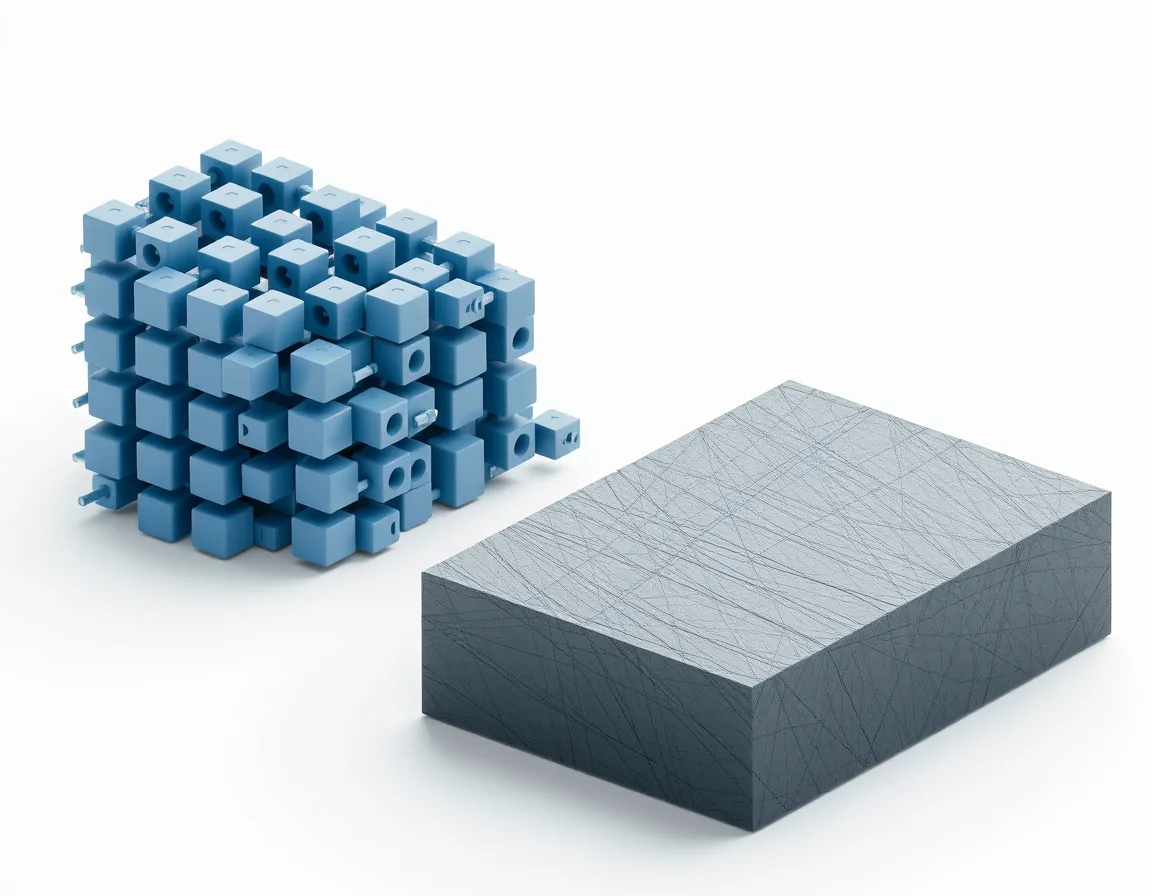
Core Differences at a Glance
| Dimension | Azure Logic Apps | Azure Functions |
|---|---|---|
| Primary audience | IT pros, business analysts, low-code developers | Software developers |
| Development model | Visual designer, JSON workflow definitions | Code (C#, Python, JS, Java, PowerShell, and more) |
| Best for | Integration, orchestration, approval flows | Custom logic, APIs, microservices, background jobs |
| Connector ecosystem | 1,400+ prebuilt connectors | None natively; you write the integration code |
| State management | Built-in workflow state | Stateless by default; Durable Functions adds state |
| Testing | Run history in the portal; limited unit testing | Full unit and integration testing with standard tooling |
Azure Functions requires coding skills, while Logic Apps is a low-code or no-code option where users build workflows in a visual designer. That makes Logic Apps accessible to people who will never open an IDE.
Pricing Compared: Consumption, Standard, and Premium
Cost is rarely the deciding factor on its own, but it shapes which plan makes sense once you’ve picked a service.
Logic Apps Consumption vs. Standard
The Consumption plan is pure pay-per-execution. At roughly $0.000025 per built-in action, $0.000125 per Standard connector call, and $0.001 per Enterprise connector call in East US, a workflow running 100 times a day with 10 built-in actions costs about $0.75 a month. For low-frequency automations, that’s close to free.
The Standard plan trades per-execution billing for reserved compute, billed per vCPU and per GB of memory. On the Logic Apps pricing page, that works out to roughly $180 a month for WS1 (1 vCPU, 3.5 GB), about $360 for WS2 (2 vCPU, 7 GB), and around $730 for WS3 (4 vCPU, 14 GB) in East US. You pay that rate whether the app runs once or ten thousand times, which makes Standard the better economic fit once volume climbs. Rates vary by region, so price your own region before committing.
Functions Consumption, Flex Consumption, and Premium
Functions Consumption starts with a meaningful free tier. Azure Functions pricing includes a monthly free grant of 1 million requests and 400,000 GB-seconds of resource consumption per subscription. Past that, you’re billed per execution and per GB-second of memory used.
Premium plan economics work differently. The Premium plan has no per-execution charge, so there’s a minimum monthly cost per active plan whether the function is idle or busy, and all function apps in the plan share its instances. You’re essentially renting always-warm capacity, which matters if your workload can’t tolerate cold starts.
Real cost math
For a low-volume internal automation, both services are cheap enough that pricing shouldn’t drive the decision. Logic Apps Consumption and Functions Consumption will both run for pennies a month. The math only gets interesting at scale: high-frequency, connector-heavy Logic Apps workflows can rack up execution costs fast, and at that point moving to Standard’s flat-rate compute usually pays for itself.

Performance, Cold Starts, and Scaling
This is where the two services diverge in ways that actually bite in production.
Logic Apps scaling and action limits
Single-tenant (Standard) Logic Apps don’t scale instantly. The scaler makes decisions roughly every 15 to 30 seconds, so under the older incremental model, going from 1 worker instance to 100 could take 25 to 50 minutes. Target-based scaling roughly halved that, and prewarmed instances plus splitting work across several logic apps speed it up further, as the limits and configuration reference explains. It’s still a real constraint for spiky, unpredictable traffic.
There are also design ceilings to respect. The hard limit is 500 actions per workflow, but Microsoft’s best practices for Standard workflows recommend staying under 50 actions to keep the designer responsive, and note that adding more workflows to a single logic app increases cold start times.
Functions cold starts and the isolated worker shift
Functions has its own cold-start story, and 2026 brought a hard deadline that’s forcing a lot of teams to act. Support for the in-process .NET model ends on November 10, 2026, after which teams need to be on the isolated worker model. The upside is that isolated worker plus modern tooling narrows the performance gap that used to exist. Community benchmarks show Native AOT builds on the isolated worker starting noticeably faster than JIT builds, though results depend heavily on how many dependencies your function pulls in, so measure your own app before banking on it.
If cold starts are a hard requirement (customer-facing APIs, payment flows), the Premium plan or Flex Consumption with always-ready instances is the practical fix. A tiered approach works well: route critical APIs like login and payments to a pre-warmed plan, while background batch jobs stay on Consumption and tolerate the occasional cold start.
Orchestrating Complex Workflows: Logic Apps vs. Durable Functions
Once a workflow needs to track state across multiple steps, wait for external events, or retry failures over hours or days, plain Functions isn’t enough on its own. This is where Durable Functions enters the comparison.
Durable Functions is a developer-centric tool that excels at stateful orchestration and offers deep customization. Logic Apps is the low-code option suited to business processes that need fast integration. The practical difference is who writes the orchestration logic. If you prefer designing workflows in code with VS Code and CI/CD pipelines, Durable Functions fits better. If you prefer drag-and-drop design with connectors, Logic Apps is faster.
The cost drivers differ too. Logic Apps costs can spiral when a workflow has high-frequency polling or deeply nested loops, since every action is billed. For Durable Functions, the main cost drivers are execution time and the storage account that holds orchestration state. Neither model is free of gotchas. They’re just different gotchas.
DevOps, Source Control, and CI/CD Differences
Functions has always played nicely with standard developer tooling, because it is code. Git, unit tests, and CI/CD pipelines need no special accommodation.
Logic Apps used to be the odd one out, but the Standard plan closed much of that gap. Standard workflows support continuous integration and deployment with the same DevOps tools used for application code, and single-tenant Logic Apps separates app code from infrastructure so workflows can be versioned, built, and deployed independently. Teams still report friction, though. Version control, code-quality scanning before deployment, and stopping direct edits in the Azure portal all become real concerns once a Logic Apps project grows past proof of concept. If your team runs on strict CI/CD discipline, budget extra setup time for Logic Apps Standard compared with a Functions project.
2026 Shift: Logic Apps as MCP Servers for AI Agents
This part of the comparison didn’t exist a year ago, and it’s changing how people think about Logic Apps entirely.
As Microsoft announced in what’s new in Azure Logic Apps at Build 2026, the Logic Apps MCP Server is now generally available. It lets developers expose existing workflows as MCP-compatible tools that AI agents can discover and invoke directly, without building custom APIs or integration layers. In practical terms, years of connector-based automation can become callable by an AI agent with very little extra work.
The rollout moved fast. Logic Apps MCP servers first arrived in public preview in 2025, and Agent Loop in Logic Apps Standard added Model Context Protocol support so workflows can also call tools on any external MCP server. Agent Loop itself lets a workflow host an AI agent: the agent loop action calls a model to reason over a task, runs whichever connector operations the model selects, and iterates until the goal is met. Functions isn’t left out of the AI story, since it still handles the custom compute agents rely on, but Logic Apps is now positioned as the connective tissue between AI agents and the rest of the enterprise stack. If you’re weighing low-code agent tooling more broadly, our Copilot Studio vs custom AI agents comparison covers the adjacent decision.

When to Use Azure Logic Apps
Reach for Logic Apps when:
- You’re integrating multiple SaaS or enterprise systems (CRM, ERP, SharePoint, SAP) and most of the work is “move data from A to B, with some conditions.”
- Business or IT operations staff need visibility into the workflow, or need to change it themselves, without waiting on a developer.
- You want built-in retry logic, run history, and monitoring without writing that plumbing yourself.
- You’re building approval workflows, notification chains, or scheduled data syncs.
- You want to expose existing automation to AI agents through MCP without a custom API layer.
If your automation lives mostly inside Microsoft 365 and Dynamics 365, also look at Power Automate, which runs on the same workflow engine with a more business-user-friendly licensing model.
When to Use Azure Functions
Reach for Functions when:
- The logic is genuinely complex: custom algorithms, heavy data transformation, or business rules that don’t map to connector actions.
- You need full control over testing, versioning, and deployment using standard developer workflows.
- Latency matters and you’re willing to invest in cold-start mitigation (Premium, Flex Consumption, Native AOT).
- You’re building an HTTP API, a microservice, or a background job triggered by queues, timers, or blob events.
- You need Durable Functions-style stateful orchestration expressed entirely in code.
When to Use Both Together
In practice, the “vs.” in the title is misleading. Most non-trivial systems use Logic Apps as the outer orchestration layer and call into Functions for the steps that need custom code. Logic Apps handles the workflow and connectors, Functions handles the complex custom steps, and teams get low-code integration with the flexibility of real code where it counts. Our intelligent document processing on Azure guide is a good example of that pattern in practice.
A well-documented case study published by Turbo360 shows the pattern at scale: a B2B company moving into B2C order processing rebuilt its integration on Logic Apps with Service Bus queues and topics, and the new workflow processed 73,120 orders in 20 minutes, with each order completing in under 3 seconds and a success rate above 98 percent. Logic Apps handled orchestration and connector logic, backed by Azure’s messaging and compute services for the parts that needed more control.
Logic Apps vs Functions: Questions We Hear Most
Is Azure Logic Apps serverless?
Yes. Both the Consumption and Standard plans run on infrastructure that Microsoft manages, so you don’t provision or maintain servers directly.
Can Azure Logic Apps call Azure Functions?
Yes, and it’s one of the most common integration patterns. A Logic App can invoke a Function as an action step whenever a workflow needs custom code that connectors can’t handle.
Which is cheaper, Logic Apps or Functions?
It depends on your workload shape. For low-volume automation, both are close to free. At high volume, Logic Apps Consumption’s per-action billing can get expensive fast, while Functions’ free grant and per-second billing tend to scale more predictably. Logic Apps Standard’s flat compute pricing can flip that comparison once volume is high and steady.
Do I need to know how to code to use Logic Apps?
Not for the visual designer and prebuilt connectors. You’ll need coding skills if you build custom built-in connectors on the Standard plan or write inline code actions.
What replaced the in-process Azure Functions model in 2026?
The isolated worker model. Microsoft ends support for the in-process .NET model on November 10, 2026, and the isolated worker model, optionally with Native AOT, closes most of the cold-start gap that used to make in-process the default choice.
Bottom Line
Azure Logic Apps and Azure Functions aren’t really competing for the same job. They’re built for different halves of the same problem. Logic Apps wins when the challenge is connecting systems with minimal custom code and giving non-developers visibility into the process. Functions wins when the challenge is the logic itself, and you need the control, testing rigor, and language flexibility that only code gives you. The 2026 twist, Logic Apps workflows becoming MCP-callable tools for AI agents, doesn’t change that division so much as raise the stakes: the integration layer you build today might be the tool your AI agents call tomorrow.
If you’re deciding where a specific workflow belongs, or planning AI automation on top of your existing integrations, our team can review your architecture with you. Book a free consultation or get in touch to talk through your environment.
Written by the ZapAI Team. ZapAI is a Microsoft-focused digital transformation and data engineering partner specializing in Azure, Microsoft Fabric, Power Platform, and Dynamics 365 implementations. Learn more about ZapAI.