


Last updated: October 9, 2026
By ZapAI Team
TL;DR: Six pattern categories cover almost every Azure integration problem you’ll face: messaging (Service Bus, Event Grid, Event Hubs), the API and AI gateway pattern (Azure API Management), workflow orchestration (Logic Apps vs. Functions), resiliency (Retry paired with Circuit Breaker), data consistency across services (the Saga pattern), and hybrid connectivity (Azure Arc). Pick based on delivery guarantees, latency, and who owns the failure, not on which service you already know.
Azure integration patterns are reusable designs for connecting services on Azure. Choose them by asking whether a lost message matters, whether you’re reacting or orchestrating, and whether you control the systems involved.
Most Azure integration mistakes aren’t technology mistakes. They’re pattern mistakes: the right service used the wrong way. A team picks Event Grid for order processing because it’s cheap and easy, then spends a quarter rebuilding it on Service Bus once they need guaranteed delivery. Another team wires Logic Apps into a tight request-response loop that should have been a Function. The service was never the problem. The pattern was.
That gap matters more now than it did two years ago. According to the MuleSoft 2025 Connectivity Benchmark, enterprises run an average of 897 applications and only 29% of them are integrated, a share that has barely moved in years. At the same time, Microsoft was named a Leader in the 2026 Gartner Magic Quadrant for Integration Platform as a Service for the eighth consecutive year, and AI agents are now a first-class part of that platform rather than a bolt-on. If you’re building on Azure in 2026, the patterns below decide whether your architecture holds up under real load. For the business case and platform overview, start with our guide to Azure integration for enterprises.
Messaging Patterns: Service Bus, Event Grid, and Event Hubs
Azure gives you three messaging services, and confusion between them causes more rework than almost any other integration decision. They all move data from a producer to a consumer. That’s where the similarity ends.
Azure Service Bus is built for messages that matter individually: orders, payments, approvals. It supports FIFO ordering through sessions, dead-letter queues, duplicate detection, and transactions, which makes it the right choice whenever a lost or duplicated message is a business problem, not just a technical annoyance.
Azure Event Grid is a lightweight publish-subscribe event router. It’s built to react to something happening (a blob uploaded, a resource changed, a device state flipped) and fan that notification out to any number of subscribers without anyone polling for it. It routes events from both Azure and non-Azure sources and cuts the cost of constant polling.
Azure Event Hubs exists for one job: ingesting enormous volumes of streaming data, such as telemetry, clickstreams, and IoT sensor readings, at rates measured in millions of events per second.
Microsoft’s own guide to choosing between Azure messaging services lands on the same framework most teams reach eventually:
| Service | Use it when you need | Typical payload |
|---|---|---|
| Service Bus | Guaranteed delivery, ordering, dead-lettering, transactions | Business messages: orders, payments, approvals |
| Event Grid | Reacting to state changes and routing lightweight notifications | Discrete events: “this blob was created” |
| Event Hubs | High-volume streaming ingestion for analytics or processing | Telemetry, logs, clickstreams, IoT data |
The pattern that catches people out is assuming it’s an either-or choice. It rarely is. A common production pipeline looks like this: Event Hubs ingests raw IoT telemetry at scale and feeds it to Stream Analytics for real-time anomaly detection. When a reading crosses a threshold, that result is handed off to Service Bus so a work order gets created with retry guarantees and no duplicate alerts. Event Hubs handles the firehose; Service Bus handles the message that actually needs to survive.

The API Gateway Pattern, and Its 2026 Upgrade
Azure API Management (APIM) has always solved a familiar problem: you don’t want every client calling your backend services directly. Centralize authentication, rate limiting, versioning, and monitoring behind one gateway, and backend teams can change implementation details without breaking every consumer. Our Azure API Management best practices guide covers the policy and tier decisions in depth.
What’s changed is the scope of what sits behind that gateway. As InfoQ reported from Build 2026, APIM introduced a Unified Model API (in public preview) that lets clients send one request format while APIM translates it for different backend providers, extending AI gateway support to Anthropic and Google Vertex AI models alongside Azure OpenAI. Content safety policies that used to apply only to LLM prompts and completions now also cover MCP tool calls and agent-to-agent (A2A) payloads, under one consistent policy instead of separate filters bolted together after the fact.
That’s a meaningful shift for anyone architecting integration in 2026. The API gateway pattern is no longer just about REST endpoints. It’s the same governance layer for models, agents, and MCP tools that you already trust for traditional APIs, so teams don’t need a second control plane just because AI entered the picture. If you already run APIM in front of internal services, extending that gateway to cover AI traffic is usually less work than standing up a separate AI gateway. Because the Unified Model API is still in preview, validate it in a non-production environment before routing critical traffic through it.

Workflow Orchestration: Logic Apps vs. Azure Functions
Both are serverless. Both handle events. They solve different problems, and picking the wrong one is one of the most common early-architecture mistakes on Azure.
Azure Functions is code-first. You write a function, it triggers on an event (an HTTP call, a timer, a queue message, a blob change), and it runs, does its job, and exits. It’s the right tool for custom computation: data transformation, validation, or a discrete backend operation that needs precise control.
Azure Logic Apps is a managed workflow orchestrator with a visual designer and more than 1,400 prebuilt connectors. It’s built for coordinating multi-step business processes across systems, such as approval chains, document routing, or syncing a CRM record to an ERP system, with built-in retry, run history, and error handling that would otherwise take real engineering effort to hand-roll.
| Question | Pick |
|---|---|
| Need fine-grained control over custom logic? | Azure Functions |
| Need to orchestrate multiple connected systems with minimal code? | Logic Apps |
| Building a background computation or microservice? | Azure Functions |
| Automating an approval or document workflow? | Logic Apps |
They’re not mutually exclusive. A Logic App commonly calls a Function to handle a piece of logic, like a currency conversion, that the low-code designer can’t express on its own. Design for that combination rather than forcing everything into one service because it’s the one your team knows best. We break down pricing, cold starts, and the 2026 MCP changes in Azure Logic Apps vs Azure Functions.
Resiliency Patterns: Retry, Circuit Breaker, and the Anti-Corruption Layer
Distributed systems fail in small, recoverable ways constantly. The pattern you pick determines whether a transient blip stays transient or turns into an outage.
The Retry pattern handles the first category: a request fails, the failure looks temporary, so the client retries with backoff. Most Azure service SDKs already include retry logic, but the pattern is only safe when the operation is idempotent. Otherwise a retry can execute the same side effect twice.
The Circuit Breaker pattern exists for failures that aren’t temporary. If retries keep failing, hammering a struggling dependency with more requests makes things worse. Once failures within a time window exceed a threshold, the circuit breaker returns errors to the caller immediately instead of attempting the call, then periodically lets a trial request through to detect when the dependency recovers. Microsoft’s architecture guidance recommends combining the two: retry transient faults, but stop retrying once a fault persists by layering Circuit Breaker on top of Retry.
The pattern teams skip most often, and pay for later, is the Anti-Corruption Layer. When a new system needs to talk to a legacy one with different data semantics, it’s tempting to let the new codebase absorb the old system’s quirks directly. That decision compounds. An Anti-Corruption Layer isolates translation logic in one place, typically an API Management policy layer or a Function that handles domain mapping, so business rules stay out of the translation boundary and the legacy system’s mess doesn’t spread into your new architecture.

Data Consistency Across Services: The Saga Pattern
Once you split a monolith into microservices, each with its own database, you lose the ACID guarantee that let a single transaction roll back cleanly if any step failed. The Saga pattern is how you get consistency back without a distributed transaction coordinator, which rarely works reliably at cloud scale anyway.
A saga breaks the transaction into a sequence of local operations. Each service performs its own step and triggers the next through an event or message. If a step fails partway through, the saga runs compensating actions to undo the steps that already completed, rather than relying on an automatic rollback that doesn’t exist in a distributed system.
There are two ways to coordinate it. Choreography has each service listen for events and decide independently what to do next. There’s no central coordinator, which keeps services decoupled but makes the overall flow harder to trace. Orchestration uses a central coordinator that explicitly directs each step, trading some coupling for much clearer visibility into where a saga is at any point. On Azure, Service Bus is the natural backbone for either approach: its reliable, ordered messaging lets compensating transactions fire correctly even when a downstream service is briefly unavailable. Durable Functions is a common way to implement the orchestrator in code.
The operator detail that matters in practice: every compensation has to be idempotent, and saga state needs to persist somewhere durable so a crashed orchestrator can pick up where it left off. Skip either one, and you’ll eventually get a saga that partially compensates and leaves your data in a state nobody can explain.
Hybrid Integration with Azure Arc
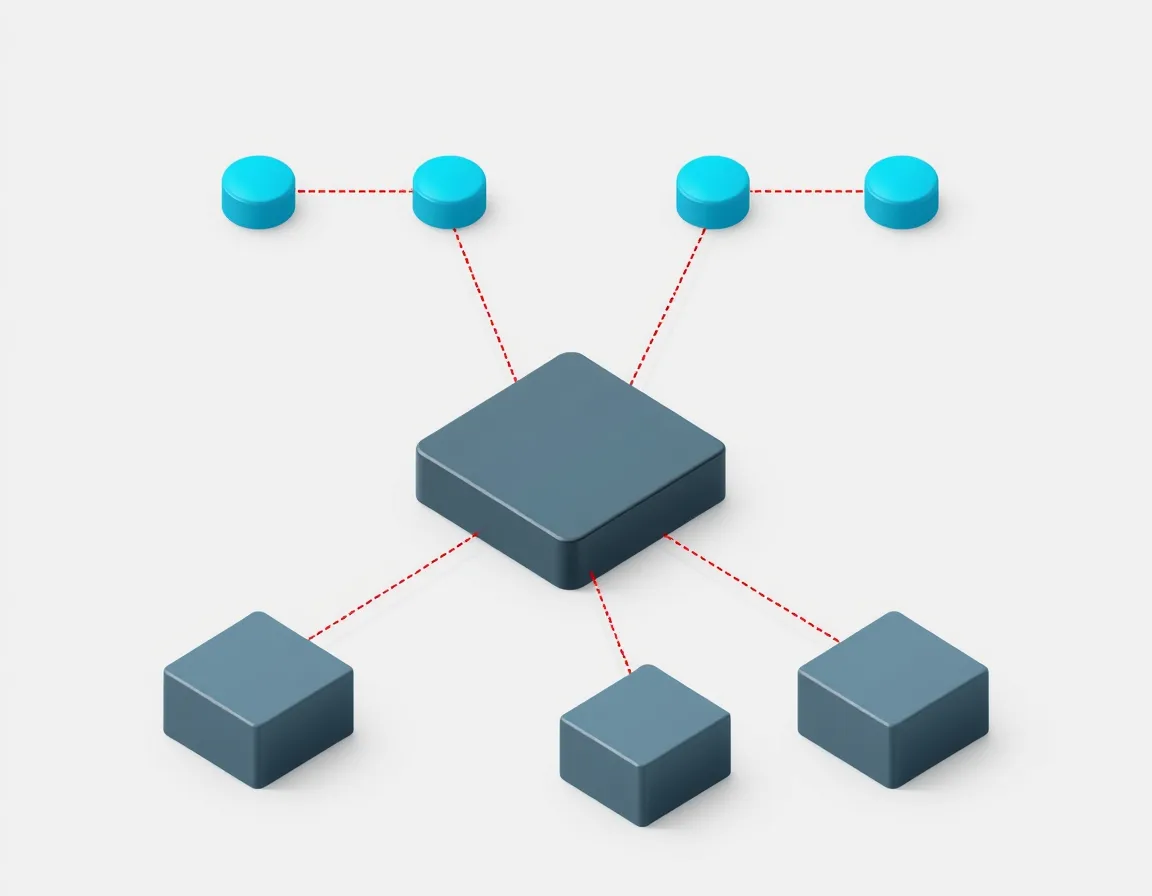
Not every workload gets to leave on-premises. Regulatory constraints, data residency rules, and legacy dependencies keep large parts of enterprise infrastructure grounded, sometimes permanently. Azure Arc is the pattern for treating those on-premises and multicloud resources as first-class Azure citizens without physically moving them.
Arc projects external resources, including on-premises servers, Kubernetes clusters, and servers in other clouds, into the Azure Resource Manager control plane. That means the governance tools you already use for cloud resources, such as Azure Policy, Azure Monitor, and Microsoft Defender for Cloud, extend to infrastructure that never left the data center. Arc-enabled servers connect through a lightweight agent that needs outbound connectivity to Azure, either directly, through a proxy, or over Private Link. For environments with no regular connection to Azure, Arc-enabled data services also offer an indirectly connected mode that uploads usage and monitoring data periodically.
The pattern shows up most often in healthcare, financial services, and manufacturing: anywhere sensitive data has to stay local while the organization still wants centralized visibility and consistent policy enforcement across everything else.
Common Integration Anti-Patterns Worth Avoiding
A few mistakes show up often enough to name directly.
- Retry storms. A dependency slows down, every caller retries, and the combined retry traffic finishes the job the original slowdown started. Microsoft documents this as the Retry Storm antipattern. The fix is pairing Circuit Breaker with your retry logic, adding backoff with jitter, and honoring any Retry-After header the server sends instead of retrying on a fixed schedule.
- Treating APIM as a dumb proxy. Using API Management purely to forward requests wastes most of what it’s built for: policy enforcement, caching, transformation, and now AI governance all sit unused.
- Non-idempotent consumers behind at-least-once delivery. Azure’s messaging services deliver at least once, not exactly once. If your consumer isn’t idempotent, a redelivered message becomes a duplicate order, a duplicate charge, or a duplicate record. That isn’t a rare edge case; it’s an eventual certainty.
- Deferring observability. Correlation IDs and structured logging need to exist from day one of a distributed integration, not after the first production incident nobody can trace back to its source.
Choosing the Right Pattern: A Quick Decision Framework
When a new integration requirement lands on your desk, three questions narrow the field fast:
- Does a lost or duplicated message cause a real business problem? If yes, you’re in Service Bus and Saga territory, not Event Grid.
- Is this reacting to something that happened, or orchestrating a multi-step process? Reacting points to Event Grid or a Function trigger. Orchestrating points to Logic Apps or Durable Functions.
- Does this integration touch a system you don’t fully control, whether legacy, third-party, or on-premises? That’s your signal to add an Anti-Corruption Layer, or bring Azure Arc into the design, before you write the first line of integration code.
None of these patterns are exotic. They’re well documented, battle tested, and, increasingly in 2026, extending naturally to cover AI agents and models without a parallel architecture. The teams that struggle aren’t missing the patterns. They’re applying the familiar one instead of the right one. For a worked example of several of these patterns together, see our guide to intelligent document processing on Azure.
Azure Integration Patterns: Questions We Hear Most
What’s the difference between Azure Service Bus, Event Grid, and Event Hubs?
Service Bus handles reliable, ordered business messaging where guaranteed delivery matters. Event Grid routes lightweight event notifications in a publish-subscribe model. Event Hubs ingests high-volume streaming data for analytics. Many production systems use all three together, each handling the part it’s built for.
When should I use Logic Apps instead of Azure Functions?
Use Logic Apps when you’re orchestrating a multi-step business process across several connected systems with minimal custom code. Use Functions when you need precise, code-first control over a discrete piece of computation. The two are often combined rather than chosen between.
Is the Saga pattern still relevant with Azure Durable Functions?
Yes. Durable Functions can implement saga orchestration in code, but the underlying problem the pattern solves, keeping data consistent across services that each own their own database, hasn’t gone away. Durable Functions is one implementation option, not a replacement for the pattern.
How does Azure API Management support AI agent governance in 2026?
APIM’s AI gateway extends the same policy, rate-limiting, and content safety controls used for traditional APIs to LLM traffic, MCP tool calls, and agent-to-agent payloads. A Unified Model API, in public preview since Build 2026, lets clients reach Azure OpenAI, Anthropic, and Google Vertex AI models through one interface.
What’s the most common Azure integration mistake developers make?
Choosing a messaging or workflow service based on familiarity rather than delivery guarantees. Picking Event Grid because it’s simple, when the workload actually needs Service Bus ordering and dead-lettering, is one of the most frequent causes of rework on Azure integration projects.
Bottom Line
Good Azure integration comes down to matching the pattern to the failure you can’t afford. Use Service Bus and sagas where every message matters, Event Grid and Event Hubs where speed and scale matter more than any single event, APIM as the one governance layer for APIs, models, and agents, and Retry plus Circuit Breaker everywhere a dependency can fail. Add an Anti-Corruption Layer or Azure Arc wherever you’re touching systems you don’t control.
If you’re designing a new integration or untangling one that’s already struggling in production, our team can review the architecture with you. Book a free consultation or get in touch to talk through your environment.
Written by the ZapAI Team. ZapAI is a Microsoft-focused digital transformation and data engineering partner specializing in Azure, Microsoft Fabric, Power Platform, and Dynamics 365 implementations. Learn more about ZapAI.