


Last updated: October 8, 2026
By ZapAI Team
TL;DR: Most Microsoft Fabric migrations stall on the same eight problems: rushed assessments, surprise Capacity Unit costs, semantic model incompatibilities, missing feature parity, Spark performance regressions, governance rework, skills gaps, and weak change management. None of these are exotic. They show up because teams treat Fabric as a lift-and-shift instead of a platform change, and a phased, validated migration plan avoids most of them. Our Microsoft Fabric services team exists to catch these gaps during assessment, not at cutover.
The most common Microsoft Fabric migration challenges are skipped assessments, Capacity Unit cost surprises, Power BI model gaps, missing features, Spark slowdowns, governance rework, skills gaps, and poor change management.
Microsoft Fabric consolidates data engineering, warehousing, real-time analytics, and Power BI into a single SaaS platform built around OneLake. For organizations juggling Synapse, Azure Data Factory, standalone Power BI workspaces, and a handful of third-party ETL tools, that consolidation is the entire appeal. A Total Economic Impact study that Microsoft commissioned from Forrester Consulting found a composite organization realized 379% ROI over three years, largely from retiring duplicate systems and idle capacity.
That’s the upside case. The migration itself is where things get messy, and it’s worth being honest about why before you plan one.
Why Microsoft Fabric Migrations Are Harder Than They Look
Fabric isn’t a rename of Synapse or a Power BI upgrade. It’s a different compute and billing model (Capacity Units instead of per-service pricing), a different storage layer (OneLake instead of separate data lakes and warehouses), and, in places, a different feature set entirely. Microsoft’s own upgrade planning guide for Azure Data Factory sorts every pipeline and activity into four buckets: Ready, Needs review, Coming soon, or Not compatible. That’s a polite way of saying some of what you built on your old platform doesn’t have a direct home in Fabric yet.
Practitioners who moved early production Synapse workloads tell a similar story. One team found that OPENROWSET(), a core dependency of their serverless queries, wasn’t available in Fabric when they started, and only discovered it deep into the migration. Fabric Warehouse has since added OPENROWSET support, but the lesson holds. That’s the pattern behind most of the challenges below: not a broken platform, but a platform with different assumptions than the one you’re leaving.

Challenge 1: Underestimating the Assessment Phase
Teams routinely treat the assessment as a formality, a quick inventory before the “real work” of migrating starts. In practice, assessment is where most of the migration’s actual risk lives.
Microsoft’s guidance for moving Data Factory and Synapse pipelines stresses cataloging pipelines, linked services, and integration runtimes, reviewing authentication and network requirements, and validating results before cutover. Skipping that step is how organizations end up mid-migration with a “Not compatible” label on a pipeline the business depends on.
One published healthcare analytics migration illustrates the cost. The initial plan called for 12 to 16 weeks, and the actual timeline ran 19, largely because every legacy system has undocumented components that only surface once you start moving it. Budget assessment time as if that’s true, because it usually is.
What to do instead: Run the assessment tooling for your source platform, such as the Data Factory upgrade assessment or the Migration Assistant for Fabric Data Warehouse, before scoping the project. Treat “Needs review” and “Not compatible” items as scope-defining, not as footnotes.
Challenge 2: Capacity Unit (CU) Cost Surprises
Fabric’s pricing model is fundamentally different from pay-per-service Azure billing. Every operation, whether a Spark notebook run, a Power BI refresh, or a Warehouse query, draws from a shared pool of Capacity Units tied to your SKU. Understanding how that pool behaves under load is the difference between predictable spend and a surprise bill.
Fabric uses smoothing and throttling to manage that pool. Interactive operations are smoothed over a minimum of five minutes and background jobs over 24 hours, and throttling kicks in when sustained demand exceeds what a capacity can absorb. Because you pay for the capacity whether it’s busy or not, a proof-of-concept capacity left running over a weekend burns budget with nothing to show for it. Finance teams also get confused by background operations that consume capacity overnight without an obvious artifact in the portal.
Storage adds a second, quieter cost layer. OneLake storage is billed separately from compute, and soft-delete retention, disaster-recovery replicas, and cache layers can accumulate without anyone tracking them closely.
What to do instead: Install the Fabric Capacity Metrics app before migrating meaningful workloads, not after. Separate development and production capacities so a runaway dev workload can’t throttle a production report. Build capacity scaling into your deployment automation from day one rather than treating it as a post-launch optimization. For the licensing math, see our Fabric vs Power BI Premium breakdown.

Challenge 3: Semantic Model and Power BI Compatibility Gaps
For organizations with a mature Power BI footprint, the assumption is often that reports “just move” to Fabric. Some do. Many don’t, at least not cleanly.
Fabric implementation partners are consistent on this point: existing semantic models can be reused when they’re clean and stable, but models built on heavy transformations, inconsistent logic, or existing performance problems are candidates for redesign, not migration. Moving to Fabric surfaces technical debt in your Power BI layer that was previously invisible.
There’s also a subtler operational issue. Semantic models don’t automatically rebind their data sources when they move between workspaces. A deployment pipeline can complete without errors and still leave a model pointing at the wrong environment, which is why Microsoft provides deployment rules for data sources and parameters. It’s a configuration step, not a platform bug, but it catches teams that skip it.
What to do instead: Inventory reports by business value and model complexity before migrating. Move simple, high-value reports first to build team confidence, and budget separate time for models that need refactoring rather than a straight move.
Challenge 4: Feature Parity Gaps
This is the challenge most likely to derail a timeline late, because teams discover it mid-migration rather than during planning.
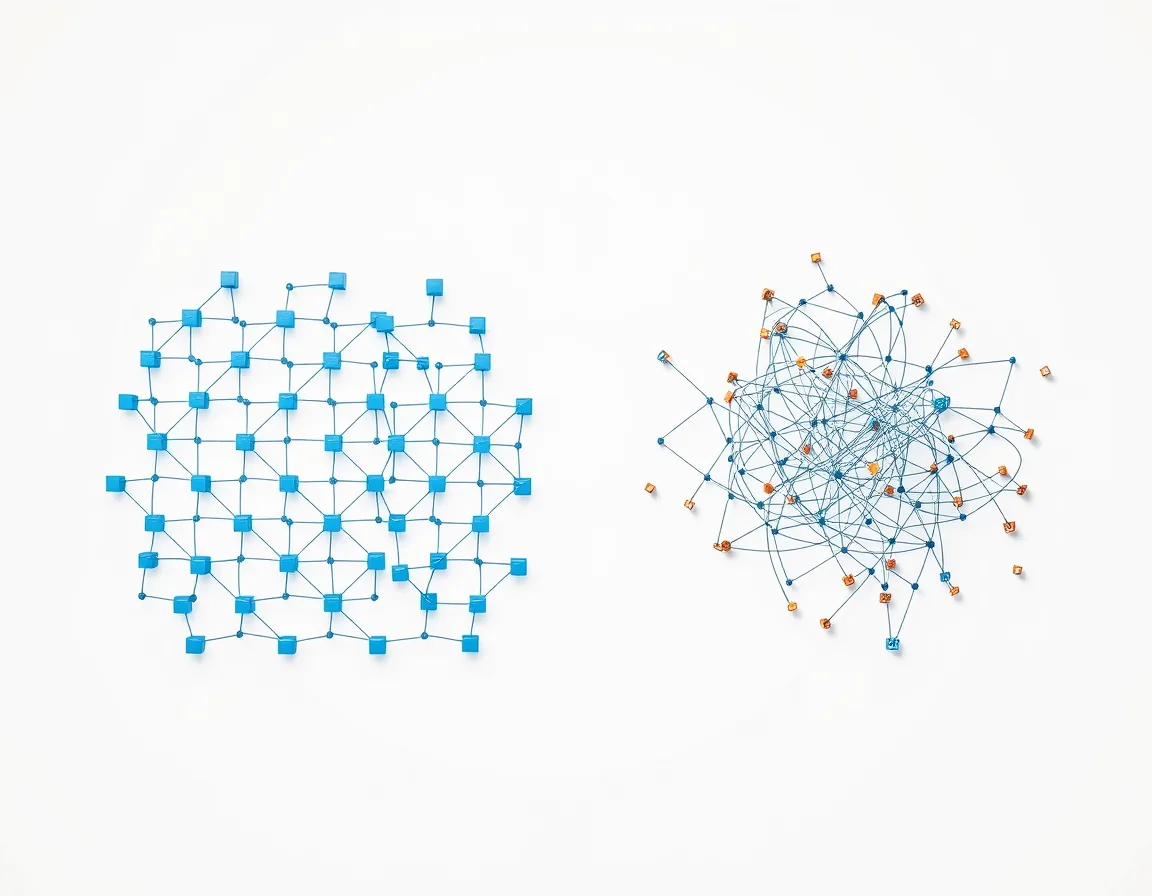
Fabric Data Factory keeps Azure Data Factory’s core engine but changes the infrastructure model. There are no integration runtimes to manage: self-hosted integration runtimes are replaced by the on-premises data gateway, and managed VNet integration runtimes by virtual network data gateways. Some ADF features, including certain mapping data flow patterns, don’t have a direct Fabric equivalent yet, and Microsoft’s Data Factory comparison lists the differences.
Cross-platform migrations carry the same risk in a different form. Organizations moving from PostgreSQL, for example, run into function conversion problems. PL/pgSQL doesn’t map cleanly to T-SQL, there’s no fully automated conversion path, and third-party tools typically need manual cleanup for anything non-trivial. Check your code against Fabric Warehouse’s T-SQL surface area early.
What to do instead: Run the platform-specific assessment early and treat its output as a hard input to your project plan. For unsupported features, decide explicitly whether you’ll wait for the roadmap, redesign around the gap, or keep that specific workload on the legacy platform for now. Our Fabric vs Azure Synapse comparison covers which Synapse workloads are reasonable to leave in place.
Challenge 5: Spark and Notebook Performance Regressions
Code that ran fine in Synapse doesn’t automatically run at the same speed in Fabric, even when nothing in the code changed. This one is disorienting because it looks like a platform defect when it’s usually a resourcing or configuration mismatch.
Fabric community threads include cases where a notebook that finished in 10 to 12 minutes on a Synapse Medium pool ran for over 10 hours on an F64 capacity with identical code. The usual causes are documented. Fabric capacity is shared across every workload on it, so a migration doesn’t guarantee the dedicated cluster experience teams had in Synapse. And Spark concurrency limits mean jobs can be rejected outright with a TooManyRequestsForCapacity error once available compute is exhausted.
What to do instead: Don’t assume compute parity between platforms. Verify it with your own workloads. Microsoft’s Fabric and Synapse Spark comparison lists the configuration differences. Consider Autoscale Billing for Spark to move Spark consumption off the shared capacity, and monitor job-level stage failures rather than treating a slow run as a black box.
Challenge 6: Governance and Security Reconfiguration
Migrating data without migrating governance is how organizations end up with a technically successful project and a compliance headache six months later.
Fabric leans heavily on Microsoft Purview for classification, lineage, and access control. That’s a genuine strength once it’s configured, but configuring it is real work, not a checkbox. Purview’s data loss prevention, insider risk management, and Data Security Posture Management capabilities need to be mapped against your existing compliance framework, not assumed to inherit it. For organizations with GDPR, HIPAA, or similar obligations, this mapping typically runs in parallel with the technical migration, not after it.
What to do instead: Assign a security or compliance lead to the migration from day one, not as a late-stage reviewer. Reconfigure Purview policies alongside the data movement, not after it.
Challenge 7: Skills Gaps on the Data Team
Fabric asks data engineers, BI analysts, and platform administrators to work from a shared foundation instead of separate tools, and that consolidation requires new habits even from experienced teams. Microsoft has responded with skilling events and certifications such as the Fabric Data Engineer Associate, which is itself a signal: platform capability and team readiness are two different bottlenecks.
This shows up concretely in migrations. A team fluent in Synapse’s SQL dialect or a legacy ETL tool’s scripting model needs time to internalize OneLake concepts, the capacity model, and Spark configuration options. That ramp-up competes directly with delivery deadlines if it isn’t planned for.
What to do instead: Put training time in the migration schedule as a line item, not an assumption. Pilot the migration with your strongest technical people first so they can document real gotchas for the team that follows.
Challenge 8: Change Management and Stakeholder Buy-In
The least technical challenge on this list often determines whether a migration is judged a success. Teams used to separate, familiar tools resist consolidated workflows, especially when the new platform initially feels less mature in areas they relied on daily.
Enterprise migration guidance consistently ranks this alongside technical debt as a top risk. Without clear communication of why the migration is happening and what specifically improves for end users, adoption lags even after the technical work is done. A migration that’s technically complete but organizationally unadopted isn’t actually finished.
What to do instead: Secure executive sponsorship early, communicate the specific business outcomes the migration is meant to deliver, and involve business users, not just IT, in defining what “done” looks like for the reports and workflows that matter to them.
A Phased Migration Approach That Avoids Most of These Problems
The organizations that navigate this well share a pattern: they don’t migrate everything at once, and they don’t cut over until the new environment has proven itself against the old one.
A workable structure looks like this:
- Assess. Run platform-specific assessment tooling and inventory every asset by business value and migration complexity.
- Pilot. Migrate a small, low-risk workload first, such as a handful of reports or one pipeline, on trial or pilot capacity.
- Validate in parallel. Run old and new systems side by side, comparing outputs until they match, before routing any production traffic to Fabric.
- Cut over by priority. Move workloads in order of business value and migration complexity, not alphabetically or by convenience.
- Decommission deliberately. Retire legacy infrastructure only after a full reporting cycle has been validated end to end.

This matches what practitioners report from real Synapse-to-Fabric, Snowflake-to-Fabric, and on-premises-to-Fabric migrations: the projects that stayed on schedule validated each phase before moving to the next and kept a rollback path intact until validation was complete. For the step-by-step version, including capacity sizing and the Migration Assistant, read our Microsoft Fabric migration guide.
Fabric Migration Questions We Hear Most
How long does a typical Microsoft Fabric migration take?
It depends heavily on scope. A pilot migration of a handful of Power BI reports can take four to eight weeks. Full enterprise migrations covering data warehousing, pipelines, and governance commonly run six to twelve months, depending on data volume and how much technical debt exists in the source systems.
Can we run Microsoft Fabric alongside our existing platform during migration?
Yes, and it’s the recommended approach rather than an exception. OneLake shortcuts and mirroring let Fabric read from existing sources like Snowflake or on-premises SQL Server without physically moving the data first, which supports parallel validation before cutover.
What’s the biggest cost risk in a Fabric migration?
Capacity Unit consumption that isn’t actively monitored. Background operations draining capacity, non-production capacities left running, and unmonitored OneLake storage growth are the most common sources of unexpected spend.
Do we need to redesign all of our Power BI semantic models?
No, only the ones with heavy transformations, inconsistent DAX logic, or pre-existing performance issues. Clean, well-structured models typically migrate with minimal rework.
Is a Fabric migration reversible if something goes wrong?
In most phased approaches, yes, at least until final cutover. Because migration is fundamentally a copy operation, the source system generally stays intact and operational until each workload has been validated, which preserves a rollback option through most of the project.
Get a Second Set of Eyes Before You Commit
Every one of these challenges is solvable with the right assessment, sequencing, and governance work up front. If your team is weighing a Fabric migration and wants a second set of eyes on the assessment before you commit to a timeline, our Microsoft Fabric consulting team starts with exactly that kind of readiness review. You can also book a free consultation or get in touch to talk through your specific environment.
Written by the ZapAI Team. ZapAI is a Microsoft-focused digital transformation and data engineering partner specializing in Microsoft Fabric, Power Platform, and Dynamics 365 implementations. Learn more about ZapAI.