


Last updated: August 25, 2026
By the ZapAI Team
TL;DR: Power Apps wins when the job is a fast, internal, process-driven tool: approvals, inventory tracking, field data collection. Traditional development wins when the app is customer-facing, needs deep custom logic, or has to scale past what a low-code platform’s guardrails allow. Most mid-market and enterprise teams don’t pick one forever. They use Power Apps for the 70-80% of internal tools that don’t need custom engineering, and reserve traditional builds for the systems that are actually core to the business.
Every few months, someone on a leadership team asks the same question: “Can’t we just build this in Power Apps instead of hiring a dev team?” Sometimes the answer is yes. Sometimes it’s an expensive no. The difference usually comes down to a handful of specifics that get glossed over in most comparison articles, so this one tries to actually answer them.
If you’re weighing Power Apps development services against a custom build, here’s what actually separates the two paths in 2026, not the marketing version.
What “Power Apps” and “Traditional Development” Actually Mean
Power Apps is Microsoft’s low-code platform for building business applications without a traditional software engineering project. It comes in three shapes: canvas apps (you design the screen yourself and connect it to almost any data source), model-driven apps (structured, built on top of Dataverse, better for complex records and workflows), and Power Pages, which handles external-facing portals. Microsoft’s own guidance frames the contrast plainly: in a traditional environment, only professional developers build the app, while Power Apps opens that job up to business users who understand the process better than any outside engineer would.
“Traditional development” in 2026 covers a wider range than it used to. It’s custom backend and frontend code, often built on stacks like React, React Native, or native iOS/Android, with a dedicated database, API layer, and deployment pipeline. It’s slower to start and gives you total control over every screen, every rule, and every performance tradeoff.
That’s the real dividing line: Power Apps fixes business processes fast. Traditional development builds products. Once you separate those two goals, most of the confusion in this decision disappears.
Speed and Time-to-Market: The Real Numbers
This is where Power Apps’ reputation is mostly earned. A Forrester Total Economic Impact study commissioned by Microsoft found that organizations using Power Apps Premium recovered their initial investment within six months, and modeled a 206% ROI with $31 million in net present value over three years. High-impact use cases saved up to 250 hours per user annually. One product owner in the energy sector told Forrester that Power Apps meant end users no longer waited on a high-code app to be built or wasted time on inefficient manual processes.
A separate case involving eSoftware Associates, a firm that has delivered both Power Apps and custom Microsoft development to more than 1,500 organizations, put it in blunter terms: for most mid-market workflows, the low-code path delivers a working app in weeks, while the custom build runs across quarters.
Traditional development doesn’t move at that pace, and it isn’t supposed to. Discovery, architecture, coding, testing, and deployment each take real time, and skipping stages creates the kind of technical debt that costs more later. For comparison, even a relatively lightweight cross-platform build in React Native typically runs 6 to 10 weeks for an MVP and stretches to several months for anything enterprise-grade with custom integrations.
Cost Comparison: Licensing vs. Build Cost
Power Apps pricing changed meaningfully in 2026, and a lot of older comparison content hasn’t caught up. Microsoft removed the $5-per-user Per App plan from its licensing guide for most new customers in January 2026. The two production paths now are Power Apps Premium at $20 per user per month (or $12 per user at 2,000+ seats), and Pay-As-You-Go through Azure at roughly $10 per active user per app per month, meaning you only pay for the users who actually open the app in a given month.
That per-user model is simple to budget for a handful of internal apps. It gets complicated fast once premium connectors, Dataverse storage, and AI Builder credits get added, which is exactly where a lot of Power Apps budgets quietly balloon.
Custom development costs scale with complexity rather than seat count. Industry estimates put most custom software development projects between $75,000 and $250,000, with complex enterprise systems easily clearing $1 million once you include multi-year maintenance. A cross-platform mobile build alone typically runs $15,000 for a narrow MVP up to $250,000+ for a feature-rich enterprise product, and that’s before factoring in App Store fees, QA (usually 15-20% of budget), and the ongoing cost of a dev team to maintain it.
Cost Comparison Table
| Power Apps | Traditional Development | |
|---|---|---|
| Typical cost to launch | $20/user/month (Premium) or ~$10/user/app/month (Pay-As-You-Go) | $75K-$250K+ for mid-complexity builds |
| Typical timeline | Days to a few weeks | 3-9+ months |
| Who builds it | Business users + some developer oversight | Dedicated engineering team |
| Ongoing cost driver | Licensing tier, premium connectors, seat count | Maintenance, hosting, security patching |
(Illustrative ranges based on the sources cited throughout this article; actual costs vary by scope, region, and vendor.)
Where Power Apps Hits a Wall
This is the part most vendor blogs skip, and it’s the part that actually matters once you’re past the pilot stage.
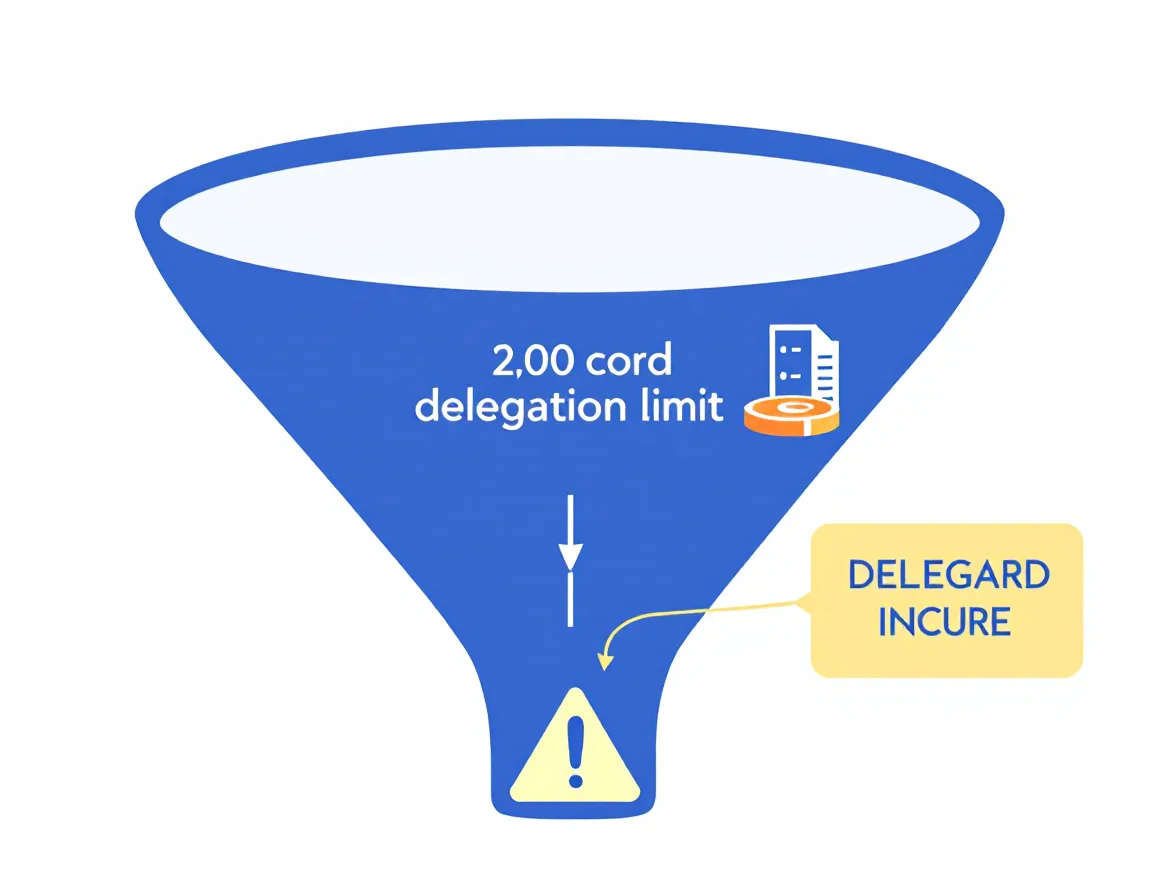
Power Apps canvas apps run into a hard architectural limit called delegation. Non-delegable formulas retrieve a capped subset of records, 500 by default, extendable to a maximum of 2,000, and process them locally on the device instead of on the server. Past that ceiling, the app can silently return partial or incorrect results. As one enterprise architecture breakdown put it, this isn’t a bug, it’s a structural consequence of how the platform pushes logic to the client rather than the backend, and it’s one of the most common causes of production-scale failures that teams don’t catch until real data volume hits.
Governance is the other blind spot. Info-Tech Research Group’s April 2026 findings warned that rapid, unstructured Power Apps adoption exposes organizations to security, compliance, and performance risk, citing weak data loss prevention controls, overexposed sharing permissions, and unclear app ownership as recurring problems. That warning isn’t hypothetical. A high-severity remote code execution vulnerability, CVE-2026-20960, affected Power Apps earlier in 2026, and researchers found that orphaned apps, meaning apps whose original owner has left the company, made up roughly 30% of vulnerable applications in some sampled organizations, since nobody was left to apply the required fix.
None of this means Power Apps is unsafe. It means Power Apps without a governance framework is unsafe, which is a different and much more common problem.
Where Traditional Development Is the Only Real Option
Some categories of app were never going to be a good fit for a low-code platform, and pretending otherwise wastes a budget cycle.
Customer-facing products where the app itself is the business, deep integrations across many systems with custom API-level control, high-traffic platforms handling large data volumes, and anything requiring pixel-level design or native device features like AR or background processing all point toward a custom build. If your competitive advantage lives inside the software, that’s usually a signal to build rather than configure.
A Practical Decision Framework: Build, Low-Code, or Both
Strip away the vendor bias on both sides and the decision usually comes down to a short list of questions: How core is this to your strategy? How urgently do you need it live? What’s the realistic data volume and user count in three years, not today? What’s your compliance and governance capacity? And can your current team actually maintain a custom build once it ships?
Enterprise teams increasingly answer this by not choosing at all. They run Power Apps for internal tools, approvals, and departmental workflows, and reserve custom software development for anything customer-facing or strategically differentiated. That hybrid pattern shows up repeatedly across the sources for this piece, and it’s the honest answer more often than either extreme.
Real-World Example: How Enterprises Are Actually Using Power Apps
Accenture built a Power Platform Center of Excellence that grew from four to sixty members over three years. In six months, that team shipped more than 8,000 Power Apps across the organization and cut short-term IT demand for one-off applications by 30%. That’s the pattern low-code succeeds at: not replacing engineering, but absorbing the volume of small, repetitive app requests that would otherwise sit in an IT backlog for months.
How ZapAI Approaches Power Apps Development
We treat the build-vs-custom decision as a scoping exercise, not a sales pitch. That usually means starting with a short discovery pass on your actual data volume, integration needs, and governance requirements before recommending Power Apps, a custom build, or a hybrid of both. If you want a second opinion on a project you’re already scoping, talk to a Power Apps consultant.
FAQ
Is Power Apps good enough for enterprise-scale applications?
For internal, process-driven applications, yes, particularly with proper governance and Dataverse architecture. For public-facing, high-traffic, or highly customized systems, most enterprises hit real limits, particularly around delegation and data volume, and move to a hybrid or custom approach.
How much does Power Apps development actually cost in 2026?
Licensing runs $20 per user per month for the Premium plan (or $12 at 2,000+ seats), or roughly $10 per active user per app per month under Pay-As-You-Go. Development labor on top of that ranges from a few thousand dollars for a simple app to well into five figures for a complex enterprise build with custom connectors.
What’s the biggest limitation of Power Apps?
Delegation limits are the most common technical ceiling: certain formulas can only process up to 2,000 records server-side before falling back to incomplete local processing. Governance and shadow IT risk are the biggest organizational limitation.
Can Power Apps and traditional development work together?
Yes, and this is increasingly the norm. Many organizations use Power Apps for internal tools and Power Automate for workflow, while keeping customer-facing products and core systems in custom code, sometimes connected through the same Microsoft ecosystem via Dataverse or Azure.
When should a business hire a Power Apps development company instead of building in-house?
When the app needs enterprise governance, complex Dataverse architecture, cross-system integration, or when internal teams lack the bandwidth to build it correctly the first time. A rushed, ungoverned Power Apps rollout is usually more expensive to fix later than it would have been to scope properly upfront.
Key Takeaways
Power Apps is the right call for internal tools, approvals, and process digitization where speed matters more than deep customization. Traditional development is the right call when the app is customer-facing, needs to scale past a few thousand records processed server-side, or is core to your competitive position. The 2026 licensing changes make Power Apps’ cost model simpler for small deployments but easier to underestimate at scale. And the governance research from 2026 makes one thing clear: the platform itself isn’t the risk. Deploying it without a plan is.