


Last updated: August 24, 2026
A Dynamics 365 CRM implementation succeeds or fails long before go-live day. This checklist covers ten steps. They span goal-setting, data cleanup, license selection, partner vetting, security design, Copilot readiness, integration planning, training, and timeline setting, plus the 90 days after launch that most teams skip.
Roughly half of all CRM projects still miss their original objectives, and the number hasn’t moved much in two decades. Gartner puts the failure rate at 50%, Forrester at 47%, and Johnny Grow’s 2025 CRM Failure Report puts it at 55%, with roughly 10% of projects cancelled before they ever go live. That range has held steady for years, and that consistency is the real story. The stability of these numbers over time suggests the root cause sits in behavior and process, not in the software itself.
This checklist is built for organizations planning a Dynamics 365 CRM implementation in 2026, whether that’s a first deployment, a replacement for an aging system, or a rebuild after a rollout that didn’t stick.
Why Most Dynamics 365 CRM Implementations Still Fail
It’s tempting to treat a bad rollout as a software problem. It rarely is. The pattern usually plays out as a chain reaction, and OplaCRM’s analysis of common CRM failure points lays it out clearly. A missing sales process leads to low adoption, low adoption degrades data quality, and bad data erodes trust in the system until leadership pulls the plug before it had a real chance to deliver.
Bad data specifically carries a price tag most finance teams underestimate. Gartner research puts the average cost of poor data quality at $12.9 million a year, and that’s before counting the soft costs of reps who stop trusting their own pipeline reports.
None of this means Dynamics 365 is a risky bet. It means the ten steps below need to happen in order, with real ownership behind each one, rather than getting waved through in a single kickoff meeting.
Step 1: Define Business Goals and Ownership Before Kickoff
A successful CRM implementation starts before the kickoff meeting, with clear business goals, assigned project owners, documented customer-facing processes, a data assessment, identified integrations, defined reporting requirements, and a plan for preparing users for change. You don’t need to have every dashboard and workflow designed in advance. A knowledgeable implementation partner should help make those detailed design decisions. But your side of the table needs to walk in with a clear view of the business problems you’re solving, per Rand Group’s pre-kickoff guidance.
Name one internal owner who is accountable for the project, not a committee. Committees are where scope creep goes to multiply.
Step 2: Audit and Clean Your Data Before Migration, Not During
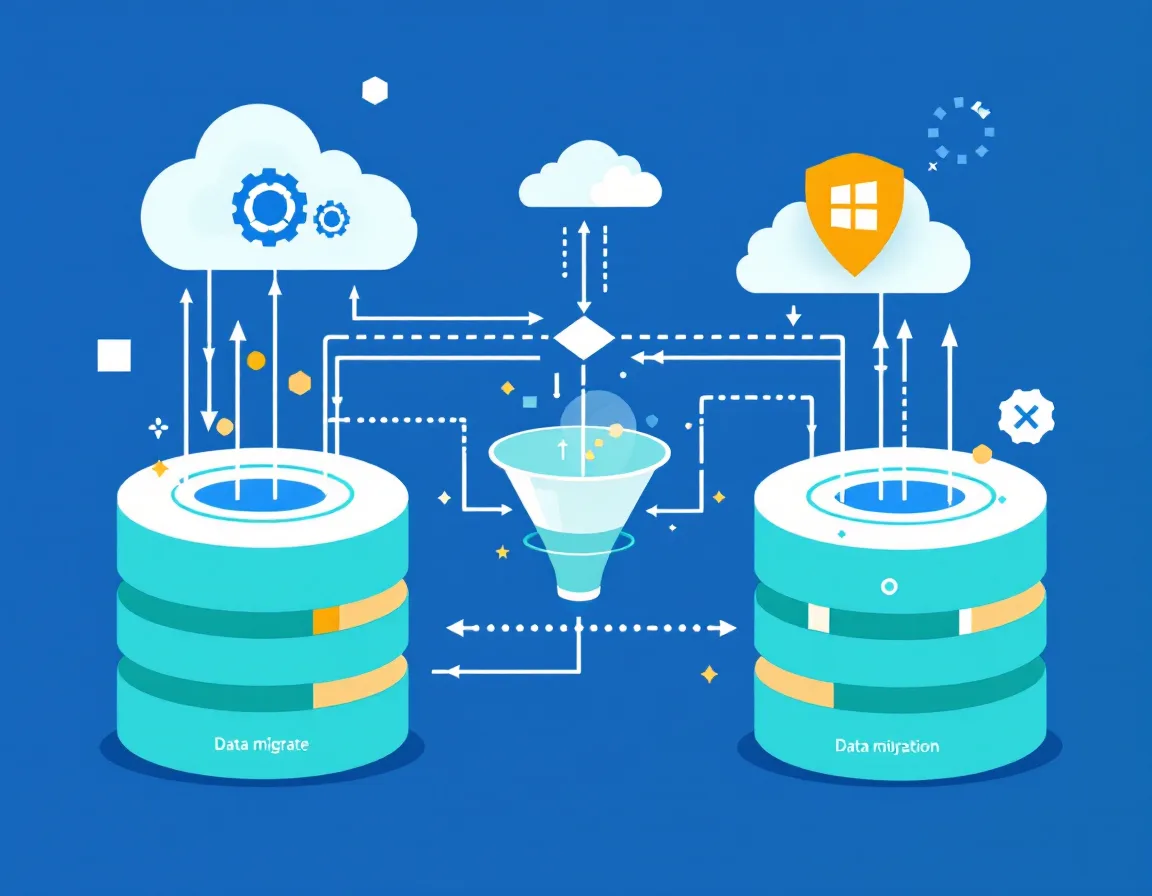
Data migration gets treated as a technical checkbox when it’s actually a governance project. It involves transferring data from legacy systems into Dynamics 365 while making sure it stays accurate, consistent, and complete, and it has to be cleaned and validated before the move, since poor-quality data leads directly to reporting errors and operational inefficiencies down the line.
Budget for this properly. EPC Group’s guidance, drawn from 29 years of Microsoft consulting and more than 11,000 enterprise engagements, puts data migration at 15–20% of total project budget and recommends starting the work in the discovery phase rather than waiting until later. Skipping that early audit is one of the most reliable ways to inherit a CRM full of duplicate contacts and stale records on day one.
Security design belongs in this same conversation, not a follow-up meeting. Dynamics 365 gives you security roles to control user actions and data access, plus field-level security to restrict access to specific fields for sensitive data, and the right approach is the principle of least privilege, giving users only the permissions required for their specific responsibilities. If you’re in a regulated industry, GDPR, HIPAA, and CCPA compliance needs to be built into the migration plan from the start, not bolted on afterward. This is exactly the kind of work ZapAI’s data engineering and governance team handles for clients moving onto Dynamics 365.
Step 3: Choose the Right Licensing Tier for Your Team
2026 pricing for Dynamics 365 Sales breaks into three tiers, per Microsoft’s own licensing guidance, all on an annual commitment with upfront payment. Prices have moved recently, too. Microsoft raised Dynamics 365 module prices between roughly 9% and 17% starting in October 2024, the first repricing in five years.
| Tier | Price (per user/month) | Notes |
|---|---|---|
| Sales Professional | $65 | Annual commitment, paid upfront |
| Sales Enterprise | $105 | Annual commitment, paid upfront |
| Sales Premium | $150 | 10-user minimum, annual commitment |
The instinct to buy the top tier for every seat is usually a mistake. Per Cargas’s 2026 pricing guide, user licenses range from about $8 to $150 a month depending on role and permissions, and matching each person’s license to what their job actually requires is one of the most effective ways to control cost. A field rep who only needs to log calls doesn’t need the same license as your sales ops lead running forecasting models.
Also budget beyond the subscription line. Enterprise implementations typically need $150,000 to $500,000 in professional services on top of licensing, and total year-one cost usually runs three to five times the annual software license alone.
Step 4: Vet Your Implementation Partner Properly
The partner you choose shapes almost everything downstream. Microsoft’s current credibility framework runs through the Solutions Partner for Business Applications designation, which requires clearing at least 70 out of 100 points across performance, skilling, and customer success metrics. Gold and Silver competency tiers were formally retired on September 30, 2022 in favor of this single-tier framework, and while the scoring is a meaningful filter for a longlist, it measures inputs rather than whether your specific project went well, so it shouldn’t be the only factor you weigh.
Ask harder questions than “are you certified.” Push on whether they’ve implemented D365 in your specific industry with your module set, whether you can talk directly to that reference client, and how they handle scope changes mid-project, including who initiates them and what they cost.
Look past the sale, too. A strong partner offers structured project governance, clear milestones, and change-management support to reduce risk, and prioritizes the long-term relationship over the initial deployment, since ongoing optimization, training, and future innovation are where the investment keeps paying off.
Step 5: Design Security Roles and Compliance Before Go-Live
This deserves its own line item even though it overlaps with data migration, because teams that treat it as a migration afterthought tend to leave gaps. Setting up role-based access properly means defining security roles, assigning the necessary privileges, determining appropriate access levels, and reviewing those permissions regularly as business needs evolve. Pair that with strong encryption for data in transit and at rest, plus regular security audits to catch problems continuously rather than once a year.
If your team integrates with Microsoft Entra ID for identity management, that pairing simplifies user management while strengthening security, cutting down on administrative overhead in the process.
Step 6: Plan for Copilot and Agentic AI from Day One

2026 is the year Dynamics 365 stops treating AI as a bolt-on feature. Microsoft’s 2026 Release Wave 1 introduces deeper Copilot integration and expanded agentic AI experiences across Dynamics 365, Power Platform, and Microsoft 365 Copilot, spanning sales, service, finance, supply chain, and more. Inside CRM specifically, Copilot in Dynamics 365 Sales now pulls from data across CRM and Microsoft 365 signals, including email and meeting recaps, to deliver insights and recommendations consistently across Dynamics 365 and Office applications.
This is less a routine feature dump than a clear signal that agentic AI is becoming the organizing principle across Microsoft’s business applications stack. Wave 1 2026 marks a move from AI that simply assists to Copilot and agent experiences that can guide, summarize, recommend, and take action inside everyday CRM workflows, with Customer Service allowing safer AI adoption through shadow mode and workflow simulation before agents go live.
The catch is that none of this works on messy data. Customer Insights is positioning itself as the grounding layer other CRM copilots read from, built on real-time, unified customer profiles, which means the data cleanup work from Step 2 isn’t just a hygiene exercise anymore. It’s the foundation your AI features will actually run on.
Step 7: Integrate Before You Configure
Most businesses run on more than one system, and Dynamics 365 needs to connect cleanly with payroll tools, ecommerce platforms, and other third-party applications to avoid duplicated data and manual re-entry. Map every integration point during discovery, not after your team has already built workflows around a standalone CRM.
Step 8: Build a Training Plan That Starts Before Go-Live
Training timing matters more than most project plans admit. Per Coffee + Dunn’s training blueprint, super users and internal trainers should begin their training early, during the development phase, while end-user training should happen two to four weeks before go-live, late enough that the system is stable but early enough that the material actually sticks.
Skipping the super-user layer is a common shortcut that backfires. Without trained super users in place, every question routes to IT or an outside consultant, which is both slower and more expensive than building internal expertise from the start.
And training can’t stop at launch. Effective programs continue with quarterly refreshers plus on-demand resources so adoption keeps scaling as the business grows.
Step 9: Set a Realistic Go-Live Timeline and Budget
Timeline expectations vary by scope, and vague promises here are a warning sign. Typical Dynamics 365 projects run four to twelve months and cost between $150,000 and $1,500,000 depending on scope, user count, and integration complexity, with mid-market deployments averaging around six months.
Change management deserves a bigger line item than most budgets give it. Recommended change-management investment runs 30–40% of total project budget, with sustained effort continuing six to twelve months after go-live, aiming for a 90%+ adoption rate within 60 to 90 days of launch.
Step 10: The First 90 Days After Go-Live

Go-live is a milestone, not a finish line. A useful cadence, drawn from CRM Software Blog’s post-launch framework, checks usage data and configuration fit around day 30, training material effectiveness around day 60 based on the questions super users are fielding most, then pipeline data quality and reporting gaps around day 90, since most implementation partners deliver the system, close the project, and move on without that follow-through.
If your partner disappears the week after launch, treat that as a gap worth raising, not a normal end to the engagement. If you want a second set of eyes on where your own rollout stands, talk to our team.
Dynamics 365 CRM Implementation Checklist: Quick-Reference Summary
- Define business goals and name one accountable project owner
- Audit and clean data before migration begins, not during it
- Match license tiers to actual user needs, not the top-tier default
- Vet partners against Solutions Partner status and real reference checks
- Design security roles and compliance requirements alongside data migration
- Build Copilot and agentic AI readiness into the data and process design
- Map every system integration before configuration starts
- Start super-user training early and end-user training 2–4 weeks pre-launch
- Set a realistic timeline (4–12 months) and change-management budget (30–40%)
- Run structured 30/60/90-day check-ins after go-live, not just a launch party
Dynamics 365 Implementation FAQ
How long does a Dynamics 365 CRM implementation take in 2026?
Most projects run four to twelve months, with mid-market deployments averaging around six months, though a narrowly scoped rollout with minimal customization can move faster.
How much does a Dynamics 365 CRM implementation cost?
Enterprise implementations typically run $150,000 to $500,000 in professional services on top of licensing, with total first-year cost landing at three to five times the annual subscription cost once customization, integration, and training are included.
What causes most Dynamics 365 CRM implementations to fail?
Failure is usually behavioral rather than technical. An undefined sales process leads to low adoption, low adoption degrades data quality, and unrealistic ROI timelines lead teams to abandon the system before it has a real chance to deliver.
Do I need a Microsoft partner to implement Dynamics 365 CRM?
For anything beyond a very small deployment, yes. A certified implementation partner scopes requirements, handles data migration, configures the platform, manages testing, runs user training, and ideally stays engaged through the first 90 days post-launch.
How does Copilot change the 2026 implementation checklist?
2026 Release Wave 1 pushes CRM toward a Copilot-first model where agents guide, summarize, and take action inside everyday workflows, which means data quality and governance planning now double as AI readiness planning, not just reporting hygiene.
About the author: This post was written by the ZapAI Team, ZapAI’s marketing group, drawing on ZapAI’s hands-on Microsoft Dynamics 365, Power Platform, and Copilot implementation work with clients.