

Last updated: August 24, 2026
Most Dynamics 365 CRM implementations don’t fail because of the software. Independent research from Johnny Grow’s 2025 CRM Failure Report put the failure rate at 55%, and Gartner and Forrester have separately landed between 47% and 70% over the past two decades — figures that have barely moved even as the technology has improved dramatically. The pattern holds for Dynamics 365 CRM implementation specifically: rushed discovery, dirty data, over-customization, skipped testing, weak training, and the wrong implementation partner account for nearly all of it. Fix those eight things and you fix the project.
Somewhere around month four of a Dynamics 365 CRM rollout, a familiar meeting happens. The system is technically live. The dashboards look fine in the demo. And yet half the sales team is still updating a spreadsheet on the side, because logging an opportunity in the new CRM takes four extra clicks nobody asked for.
That meeting is more common than most vendors admit. If you’re evaluating Dynamics 365 CRM implementation for your organization, or you’re already a few months into a rollout that isn’t landing the way it should, the good news is that the failure patterns are well documented and almost entirely preventable. None of them require better software. They require catching the mistake before it compounds.
Here’s what actually derails these projects, and what to do instead.
Why Dynamics 365 CRM Projects Fail More Often Than They Should
The statistics are stubborn. Gartner has cited failure rates near 50%, Forrester around 47%, and a widely referenced 2025 study from Johnny Grow put the figure at 55% — using a working definition of “failure” as not meeting the project’s original objectives, not the software crashing. Those numbers have held roughly steady for twenty years, even as CRM interfaces, automation, and AI capabilities have all improved substantially.
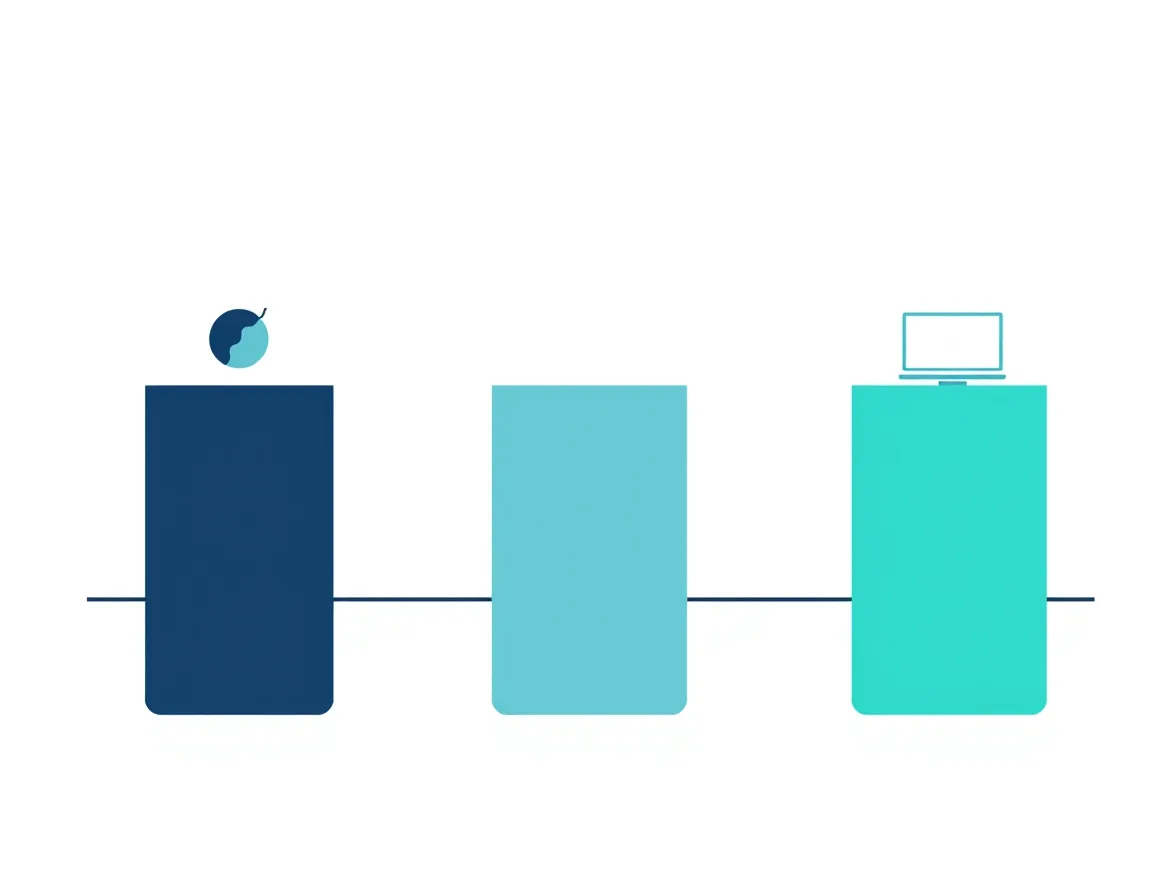
That consistency is the real signal. If the technology keeps getting better and the failure rate doesn’t move, the technology was never the bottleneck. A widely cited breakdown of root causes puts it plainly: more than 60% of CRM failures trace back to people-related issues like resistance to change and inadequate training, roughly 30% come from process problems such as automating a broken workflow, and only about 10% are genuinely technical — the wrong platform choice or a failed integration.
That reframing matters for how you plan a Dynamics 365 CRM implementation. If you treat it purely as a software deployment, you’re solving for the 10%. The other 90% needs a different kind of attention.
Mistake 1: Skipping (or Rushing) the Discovery Phase
The most expensive mistakes in a Dynamics 365 CRM implementation often happen before a single screen gets configured. Teams jump into building because discovery feels like a delay, but skipping it — or compressing a two-week discovery into two days — is what causes scope creep, misaligned expectations, and a system that technically works but doesn’t match how the business actually operates.
A recurring problem here is definitional drift. Sales, marketing, service, and operations teams frequently use different definitions for basic terms like “qualified lead” or “active customer.” If nobody resolves those differences before configuration starts, you end up with reporting that different departments don’t trust, because it was never measuring the same thing.
What to do instead: Run a structured discovery phase with both business users and IT in the room together — not IT interviewing business users after the fact. Document current-state processes, then classify every requirement into one of four buckets: required for go-live, important after go-live, a future enhancement, or needs more discovery. That discipline alone prevents a large share of the scope creep that turns a three-month project into a nine-month one.
Mistake 2: Treating Data Migration as an Afterthought
Data migration is often scheduled like a technical formality near the end of the project timeline. It shouldn’t be. Migrating years of legacy data filled with duplicates, missing fields, and mismatched formats is one of the most consistently cited causes of Dynamics 365 CRM implementation cost overruns, with cleanup projects for uncleaned datasets running into the tens of thousands of dollars in documented cases.
The deeper issue is that a Dynamics 365 CRM is only as trustworthy as the data inside it. Automated workflows, AI-driven insights, and forecasting dashboards all become liabilities rather than assets when the underlying data is wrong, because they produce confident-looking outputs based on bad inputs.
What to do instead: Treat migration as its own project phase with five steps: assess and profile the data, clean and deduplicate it, map fields to their new destinations, run a pilot migration on a small subset, and validate the results before touching the full dataset. A pilot migration of a few hundred records, checked for accuracy by the people who’ll actually use the system, will surface mapping problems far more cheaply than discovering them after a full production migration.
Mistake 3: Over-Customizing Instead of Configuring
Dynamics 365’s flexibility is a genuine strength, and also the reason so many implementations get into trouble. It’s tempting to rebuild every legacy workflow exactly as it existed in the old system, custom field by custom field. In the short term, this feels safer — the interface looks familiar, and adoption seems like it should be easier.
Over time, this approach creates what several implementation specialists now call “customization debt”: a system with so many custom fields, plugins, and workflows that it becomes difficult to maintain, slow to perform, and painful to upgrade whenever Microsoft ships one of its biannual platform releases. Native features that would otherwise arrive automatically now have to be reconciled against custom code that was built to solve a problem Dynamics 365 may have since solved out of the box.
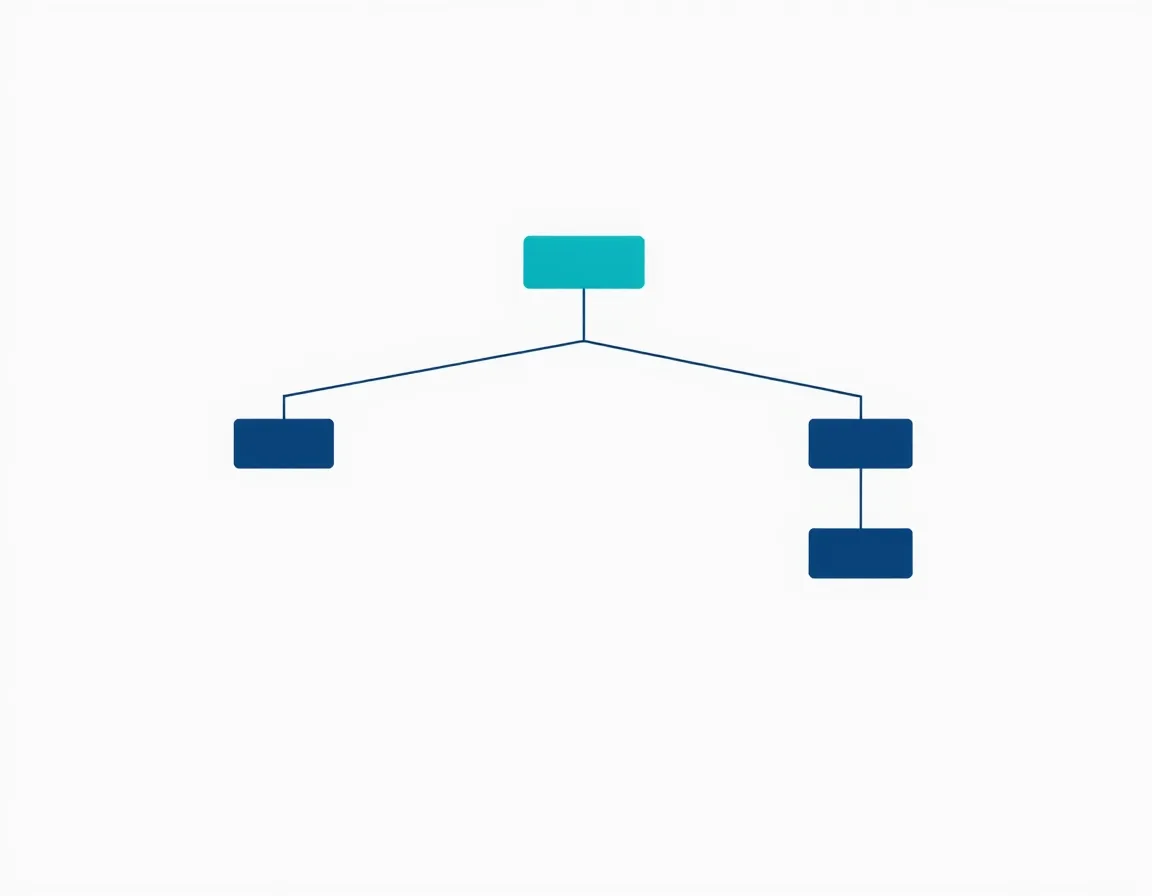
What to do instead: Default to a strict hierarchy — configure with native Dynamics 365 settings first, extend with Power Platform’s no-code and low-code tools second, and reserve custom development for requirements that genuinely can’t be met any other way. If a customization exists purely to preserve a habit from the old system rather than to meet a business-critical or regulatory requirement, that’s a strong signal to adapt the process instead of the platform.
Mistake 4: Choosing the Wrong Implementation Partner
The partner you choose has more influence over project outcomes than the platform itself. A pattern shows up repeatedly in post-mortems of failed implementations: the sales team that pitched the deal is not the delivery team that shows up for discovery, the delivery team lacks certified experience in the specific modules being deployed, and the statement of work is fixed-price against a scope that was never clearly defined.
The cost of a bad partner choice isn’t really the invoice. It’s the months lost to rework, the over-customization nobody caught early, and the adoption plan that never existed because nobody owned it.
What to do instead: Evaluate partners on concrete criteria rather than a polished pitch deck. Ask for the certifications of the specific people who will be assigned to your project, not the firm’s total headcount. Ask for recent references from organizations of comparable size and industry — a single enterprise reference from a decade ago is a red flag, not a credential. And confirm the partner owns the full lifecycle: discovery, build, migration, adoption support, and a defined post-go-live support model, not just the initial build.
Mistake 5: Underinvesting in Change Management and Training
Low user adoption is the single most commonly cited reason Dynamics 365 CRM projects fail to deliver value, and it’s rarely a training-budget problem — it’s a training-design problem. Generic sessions that walk every user through every feature tend not to stick, because a sales rep, a service agent, and a manager need the system to solve completely different problems.
Leadership commitment matters just as much as the training itself. When executive sponsorship is limited to a kickoff email rather than ongoing visible involvement, teams read that signal accurately: the CRM is optional.
What to do instead: Design role-specific training — show sales reps exactly how the system helps them close deals faster, show service teams how it shortens resolution time, and show managers how it simplifies reporting. Identify internal champions in each department who can answer day-to-day questions without a support ticket. And launch with a minimum viable set of features rather than everything at once; a phased rollout that goes live successfully with less does more for long-term adoption than a feature-complete launch that overwhelms users in week one.
Mistake 6: Skipping Pilot Testing and UAT
Under time pressure, testing is often the first phase to get compressed. Teams test the “happy path” — the workflow exactly as it was designed — and skip the messier, more realistic scenarios: what happens when a rep forgets to fill in a required field, or when an integration receives malformed data from another system.
Skipping user acceptance testing, pilot rollouts, or integration testing between Dynamics 365 and connected systems is consistently identified as one of the costlier mistakes in Dynamics 365 CRM implementation, because problems that would have taken hours to fix in a sandbox environment instead surface in production, in front of the entire user base, during the first week of go-live.
What to do instead: Build out a proper environment strategy — development, test, UAT, and production — with clear promotion rules between them. Write test scripts that cover the unhappy path as deliberately as the happy path, and run a pilot with a smaller, willing group before the full rollout. Treat sign-off from that pilot group as a genuine gate, not a formality on the way to a predetermined go-live date.
Mistake 7: Misconfiguring Security Roles and Governance
Security is frequently treated as a configuration checkbox to handle after everything else is built, rather than a design decision made alongside it. The default security roles Dynamics 365 ships with are built for general use cases, and applying them as-is often gives users more access than their role requires — sometimes enough to create real compliance exposure, such as a single user holding both the ability to create and approve the same type of transaction.
What to do instead: Build security roles around the principle of least privilege from the start, rather than granting broad access and narrowing it later. Use role-based access controls, field-level security for sensitive data, and audit logging from day one. After go-live, schedule periodic access reviews — a role that made sense at launch often stops making sense six months later as people change positions.
Mistake 8: Declaring Victory at Go-Live
Go-live gets treated as the finish line more often than it should. Once the system is technically live and the project team disbands, nobody is left responsible for asking whether behavior actually changed, whether the original business objectives are being met, or whether half the platform’s features are sitting unused.
Dynamics 365 also isn’t static — Microsoft typically ships two major platform updates per year, and a system with no ongoing ownership will drift out of alignment with those changes over time, quietly losing the value it was built to deliver.
What to do instead: Budget for post-launch optimization as a defined phase, not a hopeful afterthought. Track adoption KPIs — daily active users, process completion rates, automation usage — and review them with leadership on a regular cadence. Treat go-live as a milestone in an ongoing relationship with the platform, not the final deliverable of the project.
A Quick Pre-Implementation Checklist
Before your Dynamics 365 CRM implementation moves from planning into build, confirm you can check off each of these:
- Discovery involved both business users and IT, with requirements classified by priority
- A data cleansing and pilot-migration plan exists, with a defined acceptable error threshold
- Configuration is the default approach, with customization reserved for genuine gaps
- Your implementation partner’s delivery team (not just sales) has verifiable, recent, comparable references
- Role-specific training and internal champions are planned before go-live, not after
- A UAT plan exists that tests failure scenarios, not just the ideal workflow
- Security roles follow least-privilege principles and have a review cadence
- Someone owns adoption and optimization for at least the first 90 days post-launch
FAQ
What is the main reason Dynamics 365 CRM implementations fail?
Low user adoption is the most frequently cited cause, and it’s typically a symptom of earlier decisions — rushed discovery, generic training, or a system over-customized around old habits rather than genuine business needs. Research consistently attributes the majority of CRM failures to people and process issues rather than the technology itself.
How long does a typical Dynamics 365 CRM implementation take?
Timelines vary widely with scope and complexity. A focused rollout for a single team can be live in a matter of weeks, while a large enterprise deployment with heavy customization and multiple integrations can take many months. Speed matters less than sequencing — a well-sequenced, phased implementation tends to hold user momentum better than a longer, unphased one.
Should we customize or configure Dynamics 365 CRM first?
Configure first. Use Dynamics 365’s native, out-of-the-box functionality wherever it meets the requirement, extend with Power Platform’s low-code tools where more flexibility is needed, and reserve custom development for requirements that genuinely can’t be solved any other way. This sequence minimizes long-term technical debt and keeps future upgrades manageable.
How do we choose the right Dynamics 365 implementation partner?
Evaluate the specific delivery team’s certifications, not just the firm’s overall reputation. Ask for recent references from organizations similar in size and industry to yours, and confirm the partner’s engagement covers the full lifecycle — discovery, build, data migration, training, and post-go-live support — rather than stopping at initial deployment.
What causes low user adoption after a Dynamics 365 CRM go-live?
The most common causes are generic, one-size-fits-all training, a lack of visible leadership commitment, and a system that was over-customized around old workflows rather than genuinely improving how people work. Addressing adoption starts during discovery and training design, not after users have already started avoiding the system.
Bringing It Together
A Dynamics 365 CRM implementation succeeds or fails on the same handful of decisions, repeated across hundreds of projects: how much rigor goes into discovery, how disciplined the data migration is, how restrained the customization stays, and how seriously training and adoption get treated after go-live. None of that requires better software than what’s already available. It requires treating the rollout as an organizational change project that happens to involve a CRM, rather than a software deployment that happens to involve people.
If you’re planning a Dynamics 365 CRM implementation or trying to get a struggling one back on track, ZapAI’s Dynamics 365 practice works through exactly these phases — discovery, migration, configuration, training, and post-launch optimization — as a connected process rather than isolated handoffs. Schedule a consultation to talk through where your project stands.