


Last updated: August 24, 2026
TL;DR: Neither platform wins outright. Salesforce still leads on raw CRM depth, third-party app selection, and standalone flexibility. Dynamics 365 wins on bundled pricing and native fit for any company already running Microsoft 365, Teams, and Power Platform. The right pick depends less on features and more on what’s already sitting in your tech stack.
Quick answer: If your sales, service, and back-office teams already live in Outlook, Teams, and Excel, Dynamics 365 will feel cheaper and faster to roll out. If you want the deepest CRM-specific feature set and the largest marketplace of add-ons, and you’re fine running it as a standalone system, Salesforce is still the stronger CRM on paper. If you’re weighing a move to Dynamics 365 CRM for your organization, the sections below break down exactly where each platform pulls ahead.
Dynamics 365 vs Salesforce at a Glance
| Microsoft Dynamics 365 | Salesforce | |
|---|---|---|
| Entry pricing | $65/user/month (Sales Professional) | $25/user/month (Starter Suite) |
| Enterprise tier | $105–$150/user/month | $175/user/month |
| Top AI tier | $150/user/month (Sales Premium, Copilot included) | $550/user/month (Agentforce 1 Sales) |
| Global CRM market share | ~5.2% | ~20–21% |
| Core AI engine | Microsoft Copilot | Salesforce Agentforce (Atlas Reasoning Engine) |
| Customization tooling | Power Platform (low-code, standard web tech) | Apex, Lightning App Builder (proprietary) |
| App marketplace | Microsoft AppSource (~19,000 apps, cross-product) | AppExchange/AgentExchange (~6,000–9,000 CRM-specific apps) |
| Best fit | Microsoft-centric orgs wanting CRM + ERP under one roof | Sales-led orgs wanting the deepest CRM feature set |
A lot of comparison posts frame this as a battle for CRM supremacy. It mostly isn’t anymore. By 2026, the choice between the two platforms has become less about core CRM capability, since both platforms handle that well, and more about ecosystem fit, AI strategy, and long-term direction. Salesforce still holds the bigger CRM footprint by a wide margin: it generated $41.5 billion in FY2026 revenue and holds roughly 20.7% of the global CRM market according to IDC, while Microsoft’s Dynamics 365 grew revenue 23% in FY25 Q4 but holds only about 5.2% market share. Scale isn’t the same thing as fit, though, and that’s where the real decision lives.
Pricing Breakdown: What Each Platform Actually Costs
Sticker prices are the least useful number on either pricing page. Both vendors sell in tiers, and the tier that actually runs your business is rarely the entry-level one.

Dynamics 365 Sales Pricing Tiers
Dynamics 365 Sales Professional starts at $65 per user per month and includes core sales force automation, Microsoft 365 integration, and basic reporting, though customization is capped at 15 custom tables and five dashboards. Move up and pricing steps to $105 for Enterprise and $150 for Sales Premium, which bundles the full Copilot AI layer with advanced pipeline intelligence. Microsoft’s licensing gets more interesting once you’re buying more than one app. Its “attach” pricing model rewards customers for adopting multiple Dynamics 365 applications, with standard attach pricing letting most apps be added for around $20 per user per month once you hold a qualifying base license. That structure is the reason Dynamics 365 tends to look cheap on a spec sheet and cheaper still once a company is already paying for a second or third Microsoft app.
Salesforce Sales Cloud Pricing Tiers
Salesforce’s own pricing page, checked as recently as July 2026, lists five tiers running $25 for Starter, $100 for Pro, $175 for Enterprise, $350 for Unlimited, and $550 per user per month for Agentforce 1 Sales, with older third-party pages still showing stale $165 and $330 figures for the middle tiers. Most growing sales teams don’t stay on the entry tier long. Most sales teams land on Enterprise at $175 per user per month, and that tier alone runs roughly $105,000 a year in licenses for a 50-seat team before any add-ons. Salesforce’s AI layer is priced separately from the seat, which makes budgeting less predictable. The company’s Agentforce pricing has gone through multiple revisions since its 2024 launch, moving from a flat per-conversation fee to a Flex Credits model, and the current top tier bundles unmetered AI into the $550-a-seat Agentforce 1 plan instead.
Hidden Costs: Implementation, Add-Ons, and AI Consumption
Neither platform’s license price is the real total cost of ownership. First-year costs for Dynamics 365 typically run three to five times the annual license cost once implementation, customization, integration, training, and support are factored in. Salesforce carries a similar tax. Premier Support alone adds 30% of net license fees on top of the seat price, and a 50-seat Enterprise deployment can climb from roughly $105,000 to $136,500 a year once that’s added in. If you’re comparing quotes side by side, ask both vendors for a three-year total that includes implementation, not just the per-seat number on the homepage.
AI Capabilities: Copilot vs Agentforce
This is where the platforms diverge the most, and it’s often the deciding factor now. Both combine generative AI for drafting and summarizing with agentic AI for multi-step autonomous action, but Agentforce’s agents are built to act on CRM records by default, while Copilot’s agents are built to act across documents, email, and meetings by default, with deeper CRM action requiring a Dynamics 365 or Copilot Studio build. In other words: Agentforce starts inside your pipeline. Copilot starts inside your inbox.
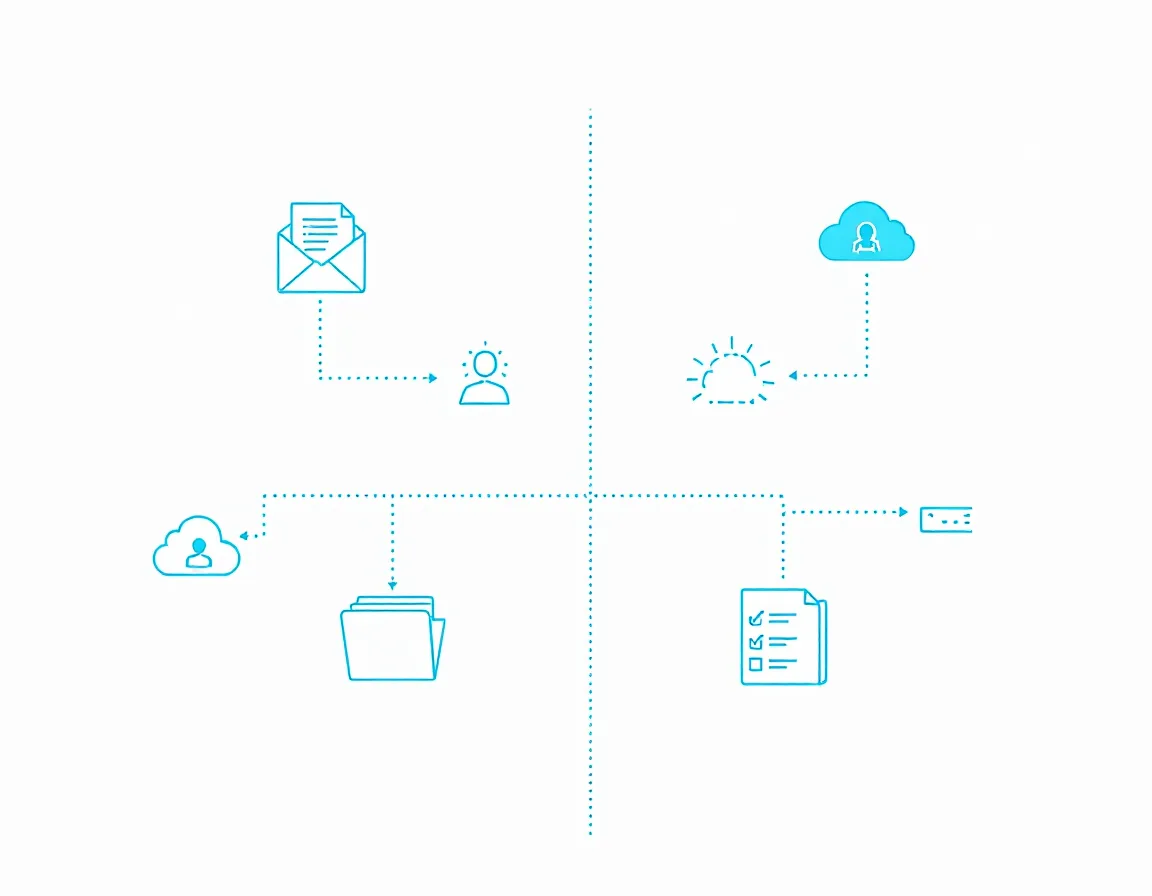
The data each one reasons over is also different. Agentforce draws on Salesforce Data Cloud for real-time, unified customer profiles, while Copilot draws on Microsoft Graph, which connects data across the wider Microsoft 365 ecosystem. For sales-specific automation, that gap shows up directly. For lead qualification, pipeline management, and opportunity tracking specifically, Agentforce has an edge because it works directly within the CRM where that data already lives, while Copilot’s Dynamics 365 sales features are capable but generally less deeply integrated.
Neither AI layer is free once you’re past the entry tiers, and neither one operates in a vacuum. Many organizations end up running both. Many enterprises run Copilot for Microsoft-app productivity and Agentforce for autonomous CRM workflows side by side, since they’re not really competing for the same job. Microsoft has been shipping fast on this front too: Dynamics 365 Sales’ 2026 release wave 1 leans heavily into AI-powered selling, including a built-in Sales Hub dialer and multiple AI agents for lead qualification, rolling out between April and September 2026.
Customization and Implementation Effort
Both platforms need configuration before they fit a real business process. How much technical lift that takes is where they split. Dynamics 365 leans on standard development tools like JavaScript, .NET, and HTML rather than a proprietary language, which tends to make customization easier and cheaper whether you use an in-house resource or a third party. Salesforce takes the opposite bet: it built a purpose-made language specifically for CRM logic, using its own proprietary Apex for deeper customization work. That proprietary depth is also its strength. Salesforce’s customization capabilities are the most extensive available in a commercial CRM, spanning custom objects, Apex for complex business logic, and the Lightning App Builder for no-code app development.
Day-to-day admin work tells a similar story. Salesforce gives admins a declarative toolkit of flows, validation rules, approval processes, and custom objects that can be managed without developer support, which lowers admin overhead for growing teams, while Dynamics 365’s more advanced configurations often require Power Platform expertise or developer involvement. On raw usability scores, the gap is small but consistent. In a head-to-head G2 comparison spanning over 10,000 reviews, Salesforce scored 7.9 out of 10 for ease of use against Microsoft Dynamics Sales’ 7.4 across roughly 1,200 reviews. Familiarity cuts the other way, though: Dynamics 365 has a slight edge for teams already using Microsoft products, since its interface mirrors the rest of the suite they already know.
Integration Ecosystem: AppExchange vs AppSource
Salesforce’s marketplace is the more mature CRM-specific ecosystem. 91% of Salesforce customers now use at least one AppExchange app, and the marketplace has expanded into what Salesforce calls AgentExchange, now covering more than 10,000 apps, 1,000-plus pre-built agents, and 2,600 Slack apps. Microsoft’s marketplace is bigger in raw numbers but spans far more than CRM. Microsoft AppSource hosts over 19,000 apps as of 2026, covering productivity tools, workflow add-ins, and line-of-business integrations across the entire Microsoft 365 and Power Platform estate, not just Dynamics. Narrowed down to Dynamics specifically, the CRM-relevant slice is much smaller: AppSource lists roughly 1,000-plus apps specifically for Dynamics, though for Microsoft-aligned shops the effective integration count runs higher once native Microsoft 365 connectors are counted, since those aren’t part of the AppSource figure.
Market Position: Gartner, G2, and Market Share
Both vendors are recognized leaders, just at different scales. Microsoft has been named a Leader in Gartner’s Magic Quadrant for Sales Force Automation Platforms for fifteen consecutive years. Salesforce holds a similar streak on the customer-service side of the house. In Gartner’s 2025 Magic Quadrant for CRM Customer Engagement Center, Salesforce remained comfortably at the top of the pack, with Microsoft, ServiceNow, and Zendesk chasing behind it.
User review scores are closer than the market-share gap would suggest, and they vary by dataset. Gartner Peer Insights shows Microsoft Dynamics 365 Sales rated 4.4 stars across 563 reviews, statistically even with Salesforce Sales Cloud’s 4.4 stars across 1,933 reviews. Other review aggregators show a wider gap depending on the specific product line being compared, so it’s worth checking recent scores for your exact edition rather than trusting a single site’s average.
Which CRM Fits Your Business
The honest answer to “which is better” depends on three questions more than any feature checklist:
What’s already in your stack? Salesforce tends to win for sales-led organizations and businesses planning to scale quickly across departments, while Dynamics 365 makes more sense if your company already runs on Microsoft 365, Teams, Outlook, and Power BI.
Do you need ERP in the same platform? Dynamics 365 combines CRM and ERP capabilities in one suite, which matters if you want finance, operations, and customer data under one roof rather than stitched together.
How much customization will you actually need? If it’s heavy, Salesforce’s Apex-based flexibility has the higher ceiling. If it’s moderate and you’d rather your own team maintain it, Dynamics 365’s standard-tooling approach usually costs less to keep running.
Company size shifts the math too. Microsoft Dynamics tends to be more cost-effective for small businesses because of its modular, pay-for-what-you-use approach, while Salesforce Essentials or Starter Suite is also a workable option for small teams on tight budgets. At the other end, Dynamics 365 is positioned particularly well for large SMEs and mid-market organizations wanting an integrated CRM/ERP platform without the cost and complexity of a multi-cloud Salesforce deployment.
Switching Platforms: What a Migration Actually Involves
Some companies read this comparison because they’re already on one platform and weighing a switch. That’s a bigger project than a feature swap. The main risks in a Salesforce-to-Dynamics migration are poor data quality, incomplete integration mapping, underestimated custom logic, and insufficient user training, and structured discovery work reduces all four significantly. Workflows don’t carry over automatically either. Salesforce workflows have to be rebuilt using Power Automate or custom logic in Dynamics 365, which often becomes an opportunity to simplify legacy automation rather than a pure lift-and-shift.
Timelines run longer than most teams budget for. A clean migration typically takes two to four months with a specialized integrator, and migrations from Salesforce to Dynamics 365 have become increasingly common among small and mid-sized businesses looking to consolidate their Microsoft stack and lower total cost of ownership. If you’re mid-evaluation rather than mid-migration, that timeline and cost belong in your decision, not as an afterthought once you’ve already signed a contract.
FAQ
Is Dynamics 365 cheaper than Salesforce?
At entry tiers, Salesforce’s $25 Starter Suite undercuts Dynamics 365’s $65 Sales Professional plan. Once you factor in Microsoft’s attach licensing for multiple apps and Salesforce’s separately priced AI and support add-ons, Dynamics 365 usually comes out cheaper for organizations already paying for other Microsoft products, while Salesforce can still be more cost-effective for a single-app, CRM-only deployment.
Which CRM has better AI, Copilot or Agentforce?
Neither is strictly better. Agentforce is built to act directly on CRM records and is the stronger choice if your AI use case is CRM-centric, like lead qualification or case handling. Copilot is the stronger choice for cross-functional productivity work across documents, email, and Teams, with CRM-specific actions requiring a Dynamics 365 or Copilot Studio build.
Can I migrate from Salesforce to Dynamics 365 without losing data?
Yes, with proper planning. Data loss and corruption are the highest-risk failure points, so most migration guides recommend keeping a full Salesforce export as a backup throughout the process and running both systems in parallel until cutover.
Which CRM is better for small businesses?
It depends on your existing stack more than company size alone. Dynamics 365’s modular, pay-for-what-you-use pricing tends to suit small businesses already on Microsoft 365, while Salesforce’s Starter Suite is a reasonable entry point for small teams without existing Microsoft dependencies.
Does Dynamics 365 replace the need for a separate ERP?
For many mid-sized organizations, yes. Dynamics 365 bundles CRM and ERP modules like Business Central or Finance and Supply Chain Management under one platform, which is a structural difference from Salesforce, which remains CRM-only and relies on third-party ERP integrations.
The Verdict
There isn’t a universal winner here, and any post that tells you there is one is skipping the part where your existing tech stack decides most of the answer for you. Salesforce still has the deeper CRM feature set, the bigger app marketplace, and more customization headroom for complex processes. Dynamics 365 has the better bundled economics and the smoother day-to-day experience for teams already living in Outlook, Teams, and Power BI. Price both platforms against your actual usage, not the homepage tier, and the right answer usually becomes obvious fast.
If your team is already leaning toward the Microsoft ecosystem, ZapAI’s Dynamics 365 CRM practice can help you scope the real cost and timeline before you commit. Schedule a consultation to walk through your specific stack and requirements.