

Last updated: August 25, 2026
TL;DR: Dynamics 365 CRM customization works best when configuration comes first, custom builds stay inside managed solutions, and every change goes through a real dev-test-production pipeline. Skip any of these and technical debt piles up quietly until an upgrade forces the issue.
Most Dynamics 365 CRM problems don’t show up on day one. They show up eighteen months in, when a routine Microsoft update suddenly breaks three custom fields nobody remembers building, and the person who built them left the company last spring.
That’s not a customization failure. It’s a governance failure. Dynamics 365 is genuinely one of the more flexible CRM platforms on the market, and that flexibility is exactly why teams need a disciplined approach to using it. Below are nine practices that keep customization work sustainable instead of turning it into next year’s cleanup project.
What “Customization” Actually Means in Dynamics 365 CRM
Before touching anything in Dynamics 365, it helps to separate three terms people tend to use interchangeably.
Configuration means using what’s already built into the platform: forms, views, business rules, dashboards, security roles. No code, no new components, just settings.
Customization covers changes made through the maker tools: new tables, custom fields, Power Automate flows, model-driven app layouts. Still low-code, still inside the supported framework.
Custom development is where you write actual code: plugins in C#, JavaScript for form behavior, integrations built against the SDK. This is the most powerful layer and the most expensive to maintain.
The mistake most organizations make isn’t customizing. It’s reaching for custom development before checking whether configuration already solves the problem.
1. Configure First, Customize Only What’s Genuinely Unique
Dynamics 365 ships with an enormous amount of built-in capability, and one widely cited rule of thumb is that roughly 80% of a typical implementation should run on out-of-the-box functionality, with only the remaining 20% requiring real customization work.
That ratio isn’t a hard law, but it’s a useful gut check. Following the 80/20 rule keeps most of the system running on standard functionality, with only a fifth of it customized, and teams that ignore this tend to end up with cluttered workflows and CRM adoption that never quite sticks, according to Live Expert Technologies.
Before building anything custom, ask three questions:
- Does a business rule, workflow, or view already do this?
- Has anyone actually validated this requirement with the people who’ll use it daily?
- Is this solving a real gap, or replicating a habit from the old system?
That last one matters more than people expect. A common pattern in Dynamics 365 projects is trying to make the new platform behave exactly like the old one, rebuilding old workarounds and outdated reporting structures instead of rethinking the process. It feels safe in the moment. It’s expensive within a year, per ERP Software Blog.
2. Respect the Solution Layering Model, Always
Dataverse doesn’t store your customizations as a flat pile of changes. It stacks them in layers, and understanding that stack is the difference between an upgrade that goes smoothly and one that requires a war room.

Dataverse maintains two distinct layer levels: an unmanaged layer holding all unmanaged solutions and ad-hoc customizations, and managed layers containing installed managed solutions plus the system solution itself. When multiple managed solutions sit in an environment, the most recently installed one sits above the ones installed before it, meaning it can override components from those earlier layers, according to Microsoft Learn.
Here’s why that matters practically: unmanaged solutions are meant for building and iterating, not for living in production. Editing directly in a production environment puts every change into a single shared layer that every maker touches, with no clean way to isolate one team’s work from another’s. Package customizations as managed solutions before they reach anything a user actually depends on, and you get a system where components can be cleanly swapped, upgraded, or rolled back without collateral damage.
3. Pick the Right Extension Tool for the Job
This is where a lot of Dynamics 365 projects quietly go sideways: teams default to whichever tool they know best instead of the one the requirement actually calls for.
A rough decision framework that holds up in practice:
| Requirement | Best tool | Why |
|---|---|---|
| UI behavior on a form | JavaScript / Business Rules | Runs client-side, immediate feedback |
| Data validation that must never be skipped | Plugin | Executes inside the save pipeline, can’t be bypassed |
| Background automation, cross-app integration | Power Automate | Built for connecting services, not blocking saves |
| Complex server-side business logic | Plugin | Full transactional control |
As a general principle, Power Automate is built to automate actions rather than enforce business rules, so leaning on flows to stop an invalid record from saving tends to create timing gaps rather than real enforcement. Plugins are better suited to high-performance, low-latency logic running inside Dynamics 365, while flows earn their place in integrations and cross-system automation, per Sky Soft Connections. Used together, with each tool doing what it’s actually good at, they cover most requirements without one of them becoming a bottleneck. For anything spanning multiple connected systems, ZapAI’s work in Power Platform usually starts with this exact triage step before a single flow gets built.
4. Build a Real Dev → Test → Production Pipeline
Editing directly in production is still, remarkably, a common habit. It’s also the single fastest way to accumulate risk nobody signed off on.
Healthy application lifecycle management should, at a minimum, include a test environment before anything gets deployed to production, giving teams a place to validate both the app and the deployment process itself. Three environments is the realistic floor for anything business-critical: a development environment where makers build, a test environment where QA and real users try to break things, and production, which nobody touches directly, per Microsoft Learn.
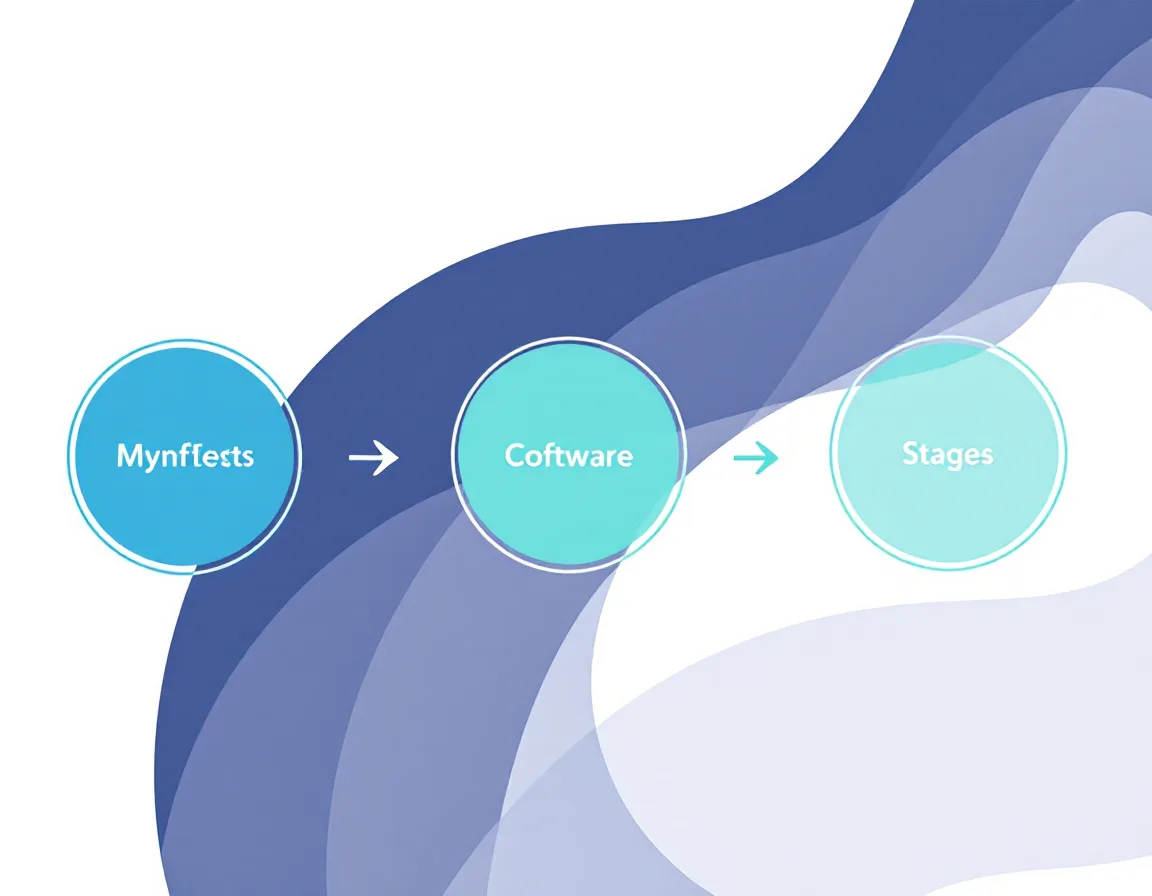
If your organization is regulated (healthcare, finance, government), separate environments aren’t just good practice; they’re often how you enforce data residency and access boundaries at a structural level rather than trusting individuals to follow a policy document.
5. Design Security Roles Around Jobs, Not People
Security in Dynamics 365 operates at two different altitudes, and conflating them causes real problems.
Predefined security roles follow the minimum-required-access principle: give users the least access to the minimum business data needed to do their job. That’s role-level, entity-level access. It answers “can this user open this record,” according to Microsoft Learn.
It does not answer a narrower question: which fields inside that record should they see. Security Roles in Dynamics 365 operate at the entity level, not the field level, so a user with access to an account record can still see every field on it unless something else restricts that. That’s where field-level security profiles come in, letting you lock down sensitive columns like salary data or personal identifiers without denying access to the record as a whole, per CloudFronts.
Design roles around job function, not individual people. It sounds obvious, but “custom role built for one specific person on the finance team” is one of the most common sources of security-role sprawl three years into a deployment.
6. Standardize Naming Conventions and Document Every Change
This is the least glamorous item on this list and probably the one with the best cost-to-effort ratio.
A practical customization checklist includes avoiding direct edits to default entities, favoring solution layers instead, and using consistent naming conventions with meaningful prefixes, per NSquare Experts. Pick a prefix scheme early (company initials, project code, whatever fits) and apply it to every custom table, field, flow, and plugin without exception. Six months from now, when three different consultants have touched the environment, that prefix is the difference between a five-minute audit and a two-day archaeology project.
Pair naming conventions with a lightweight change log: what was built, why, who owns it, and when it should be revisited. It doesn’t need to be elaborate. It needs to exist.
7. Regression-Test Against Every Release Wave
Microsoft ships two major release waves a year, and 2026’s first wave leaned hard into agentic AI. 2026 release wave 1 delivers AI-powered automation and agent innovation across Power Automate and Copilot Studio, alongside enhanced Dataverse intelligence and strengthened governance, security, and cost management capabilities, according to the Microsoft Dynamics 365 Blog.
That shift raises the stakes for ungoverned customization specifically because Copilot’s new agentic features read and act across the same data your custom plugins and flows already touch. An unmanaged workflow that silently duplicates what a native Copilot feature now does isn’t just redundant anymore; it can actively conflict with it.
Before each release wave hits your environment, a short regression pass covering your custom forms, plugins, and flows against the release notes takes far less time than discovering a conflict after go-live.
8. Treat Technical Debt as a Budget Line, Not a Surprise
Every customization you ship is also a maintenance commitment you’re signing up for, whether or not that gets written down anywhere.
Most enterprises never allocate the recommended 15-20% of their technology budget to managing technical debt proactively, and since license fees represent only 20-30% of total CRM spend, every unmanaged customization functions as a quiet tax on the majority of what’s already being paid, according to Grazitti Interactive. Technical debt in Dynamics 365 rarely announces itself. It builds through small, undocumented decisions, and by the time upgrades start taking noticeably longer, the root cause is often well over a year old.
The fix isn’t avoiding customization. It’s budgeting for its upkeep the same way you’d budget for any other recurring operational cost, rather than treating it as a one-time build expense.
9. Know When to Bring in a Partner
There’s a point on every project where in-house configuration knowledge stops being enough, usually around the time integrations, custom security models, and cross-module automation start stacking on top of each other simultaneously.
That’s not a knock on internal teams. It’s a complexity threshold. The organizations that navigate it best are the ones that recognize it before a deadline forces the decision, not after.
How ZapAI Approaches Dynamics 365 CRM Customization
ZapAI’s engagements typically start with the same triage this article walks through: separating what’s a configuration fix from what genuinely needs custom development, then scoping the smaller list that remains. That approach tends to produce faster go-lives and fewer surprises at the next release wave, since there’s simply less unmanaged surface area to break. If you’re weighing a Dynamics 365 customization project, our case studies walk through how that’s played out for other teams, and you’re welcome to get in touch to talk through your specific setup.
FAQ
What’s the difference between configuration and customization in Dynamics 365?
Configuration uses built-in settings like forms, views, and business rules with no code involved. Customization adds new components through low-code maker tools, such as custom tables or Power Automate flows. Custom development goes further still, writing actual code like plugins or JavaScript.
Should I use a plugin or Power Automate for my Dynamics 365 CRM logic?
Use a plugin when logic must run instantly and can never be skipped, like blocking an invalid save. Use Power Automate for background automation and connecting to other systems, where a short delay is acceptable.
What does Dynamics 365 CRM customization cost?
Costs vary widely by scope. Consulting fees for Dynamics 365 projects typically run $150 to $250 per hour, and customization costs can range from around $5,000 for smaller changes to $150,000 or more for extensive builds and larger rollouts, per AlphaBOLD.
Do customizations break during Microsoft’s release-wave updates?
They can, particularly unmanaged customizations or ones that duplicate logic Microsoft has since built natively. Managed solutions, solution-based deployment, and a pre-release regression check significantly reduce that risk.
What’s a managed solution, and why does it matter?
A managed solution packages components so they can’t be directly edited or removed once imported, which protects production environments from accidental changes and gives you a clean, reversible way to apply or retract updates.
Key Takeaways
- Configure before you customize; customize before you write code.
- Keep production on managed solutions only, never edit live.
- Match the tool to the requirement: plugins for logic that can’t be skipped, flows for background and cross-system work.
- Maintain separate dev, test, and production environments as a floor, not a luxury.
- Build security roles around job function, and use field-level security for anything row-level access doesn’t cover.
- Naming conventions and a simple change log pay for themselves within the first upgrade cycle.
- Budget for technical debt every year, not just at build time.